ClickShare Conference range
Meet the wireless conferencing room system that connects your laptop seamlessly to the screen, video & audio of any meeting room. Check out which ClickShare Conference model suits you best with the comparison below or via this easy wizard.
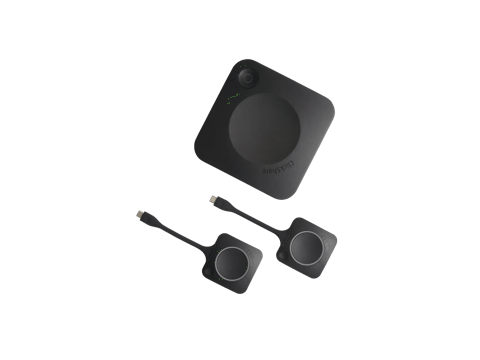 | 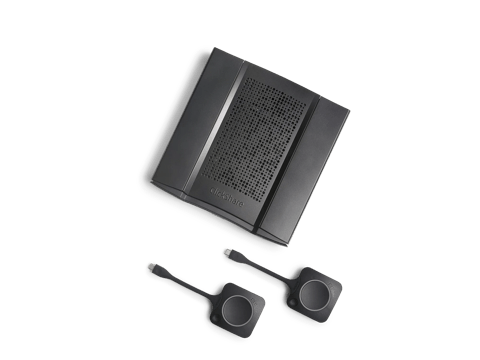 | ||
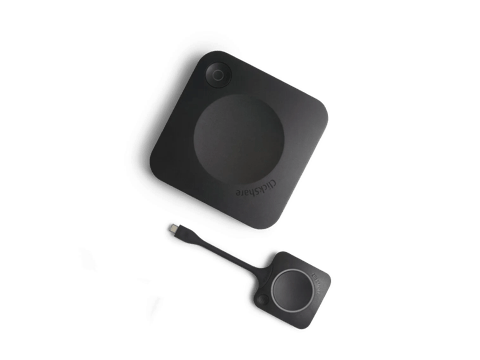
CX-20 | CX-30 | CX-50 Gen2 | |
| Meeting room type | Small meeting spaces | Medium-sized meeting spaces | High-impact meeting spaces & boardrooms |
| Buttons included Having more buttons means more participants can host a meeting wirelessly, easily collaborate and share content. | 1 | 2 | 2 |
| Sources simultaneously on screen The number of participants that can share content at the same time. | 1 | 2 | 2 |
| Wired video input A wired alternative to share your screen. | USB-C or HDMI via convertor | ||
| Touchback, blackboarding and annotation Collaborate interactively and make meetings more engaging and productive. | ✓ | ✓ | |
| Automatic switch between room system and BYOD This enables wireless conferencing and access to multiple video conferencing platforms in fixed rooms such as Microsoft Teams or Zoom Rooms. | ✓ | ||
| Support for dual screen Display people and content on two separate screens at all times for inclusive collaboration. | ✓ | ||
| Wired roomdock Share high-resolution content and connect to the room peripherals with the wired connection. | ✓ | ||
| Advanced network and AV integration Enhances security and flexibility, enabling safe app use on different devices and networks. | ✓ | ||
Discover CX-20 | Discover CX-30 | Discover CX-50 Gen2 |