
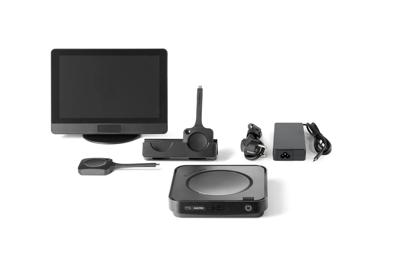
Premium modular video conferencing room system for enhanced hybrid meetings in Microsoft Teams Rooms
Updating your ClickShare unit boosts performance, security, and compatibility, while unlocking new features.
Stay protected, seamless, and up to date for the best collaboration experience.
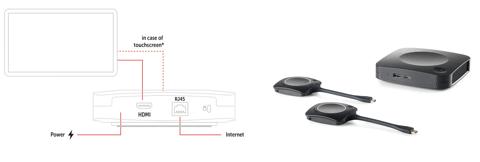
When you connect the unit to the network during installation, auto-update is on by default. Scroll down if you are looking to manually update firmware.
If you want more control over when updates are executed or if you'd like to schedule bulk updates, use XMS Cloud. Here you can also activate automatic updates or get notifications whenever new firmware is available.
Check here if you are unsure about your ClickShare model.
Premium modular video conferencing room system for enhanced hybrid meetings in Microsoft Teams Rooms
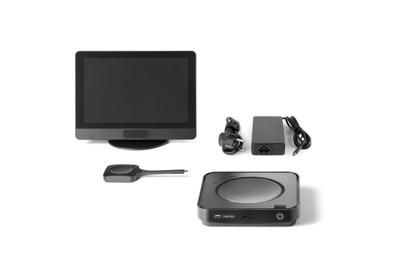
Modular video conferencing room system for effortless hybrid meetings in Microsoft Teams Rooms
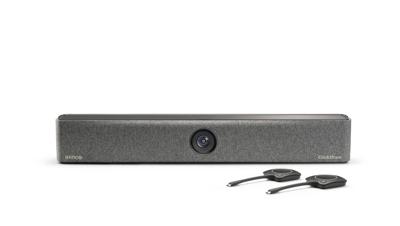
Premium video bar for wireless conferencing
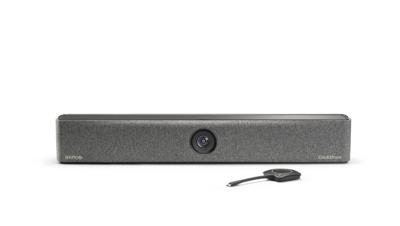
Video bar for wireless conferencing
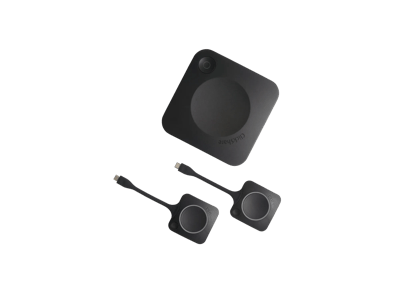
Wireless conferencing
Wireless conferencing
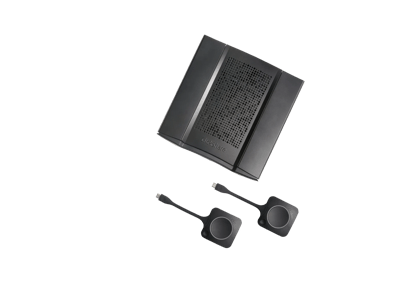
Wireless conferencing
Wireless conferencing
Wireless presentation
Wireless presentation
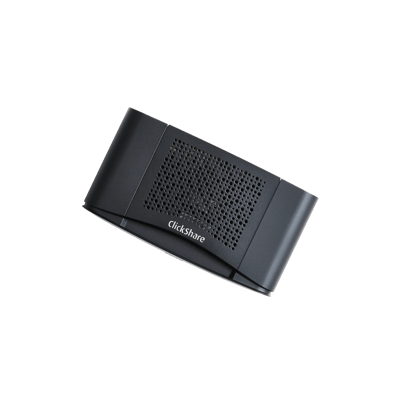
Wireless presentation
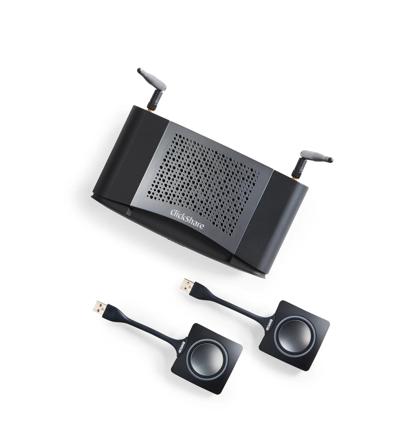
Wireless presentation
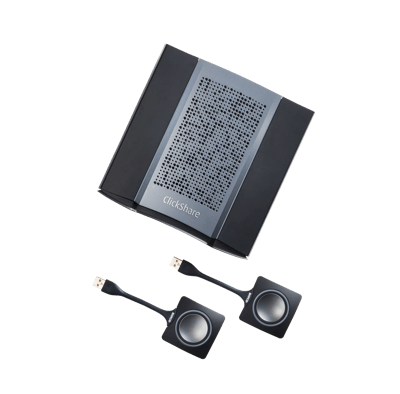
Wireless presentation
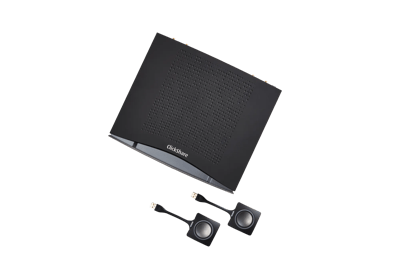
Wireless presentation
The ClickShare platform consists of different components: Base Units, Buttons, Apps and the XMS Cloud management platform. Make sure each of these components runs the latest software versions if you want to enjoy the best experience. Updating them is easy, seamless and automated.