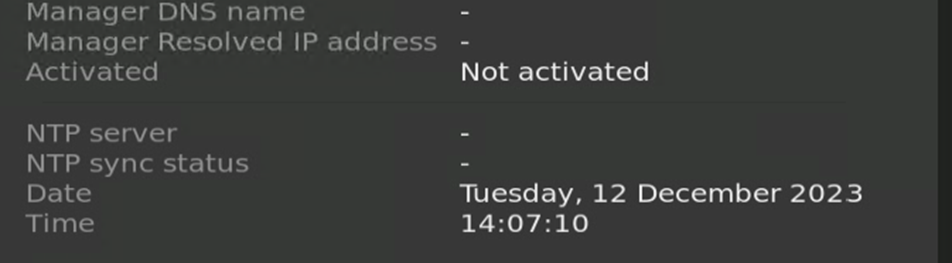
You can bring a SAN-050 decoder back to the factory default settings
Factory reset from CTRLsystem
- SAN-050 decoders that are configured in a wall or desk first have to be unassigned.
Decollapse the wall or desk to show the devices.
Click the kebab menu on the right-hand side and select Details.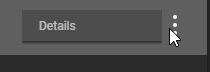
Click unassign and confirm. - Press Factory Reset.
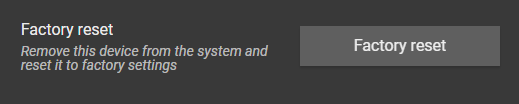
- Confirm. The SAN-050 will now be removed from the system. And appear as a newly detected decoder after a brief period.
More information can be found in the Barco CTRL Administrator Manual (R591969)
Factory reset with the hardware button
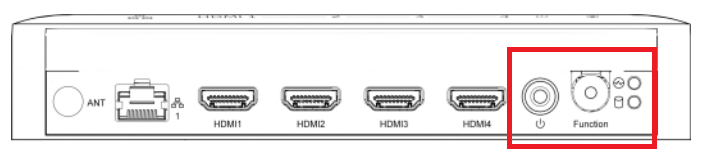
- Turn off the SAN-050 with the power button. (LED's on the right-hand side off.)
- When the device is fully powered off. Press the power button again to start the device.
Immediately after releasing the power button, press and hold the function button. - Keep pressing the function button until you see the network check on the connected display. (+-15 seconds)
- Check if the reset was successful.
You can see the activation status on the OSD. (Available from Barco CTRL 1.1.0)