
TransForm LVC‑400
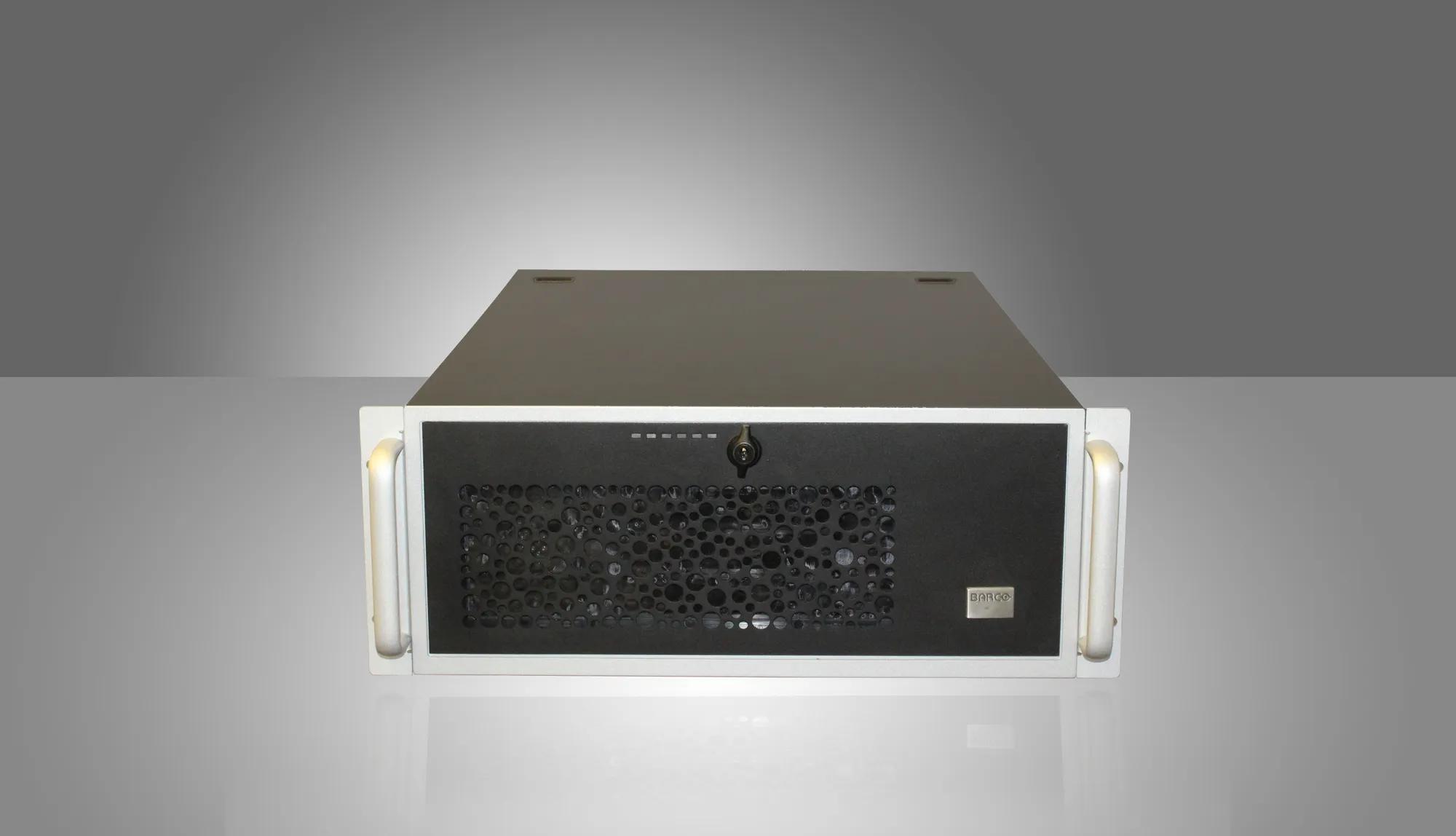
Video wall display controller
- Easy to use CMS 3.1 with GUI that enables drag & drop
- Integration of baseband & network resources
- Windows-based environment, allowing installation of security software
- Future-proof and upgradeable
Barco's TransForm LVC-400 is a standalone video wall controller (powered by Barco's CMS 3.1) for monitoring both baseband and networked video sources. It enables customers to capture sources (networked sources, local DVI/HDMI/DP/VGA inputs, and analog video inputs) from anywhere across a network. The sources then can be arranged on a video wall in the form of a mosaic and can be used to recall inputs at will, all in high resolution.
Possibility to integrate into networked visualization system
TransForm LVC-400 can be used as display controller running all types of Windows-based local applications and at the same time be integrated into a TransForm N network visualization system, capable of controlling video walls.
NOTE: This product is available in India only.
EssentialCare for control rooms
Ultimate peace of mind
- Expert support
- Long product lifetime guaranteed
- Shorter response time
- Operational cost predictability

You can now find all media, brochures, presentations, whitepapers & marketing downloads in our new & improved download center
Visit Media CenterSimilar products
View all
SAS-050
SAS-500
SAN-050
NGS-D440
Looking for technical documents or product support?
For technical downloads such as drivers, firmware, manuals, drawings & documentation we would kindly like to direct you to our product support page.
Go to product support