
ClickShare Hub Pro
Premium modular video conferencing room system for enhanced hybrid meetings in Microsoft Teams Rooms
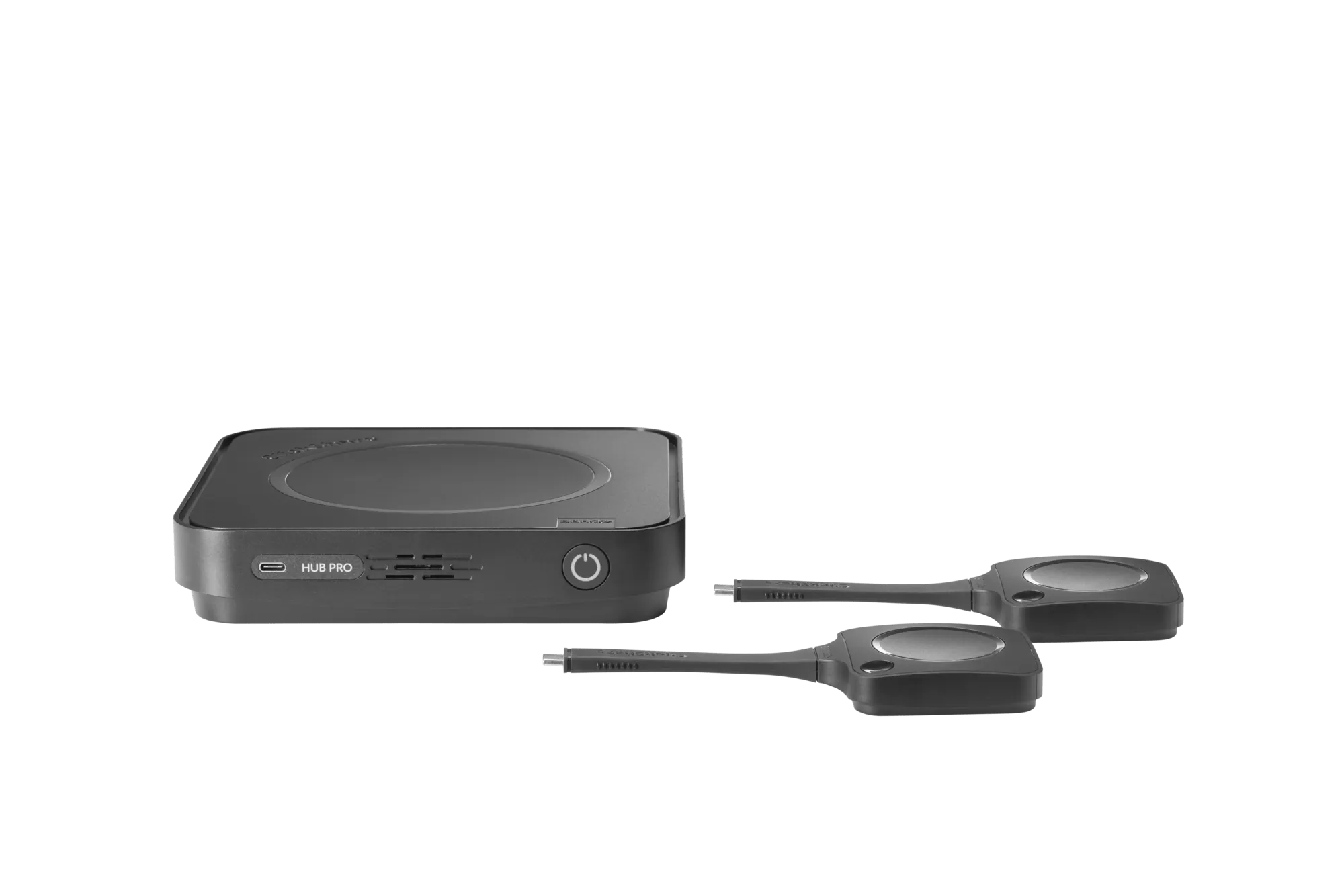
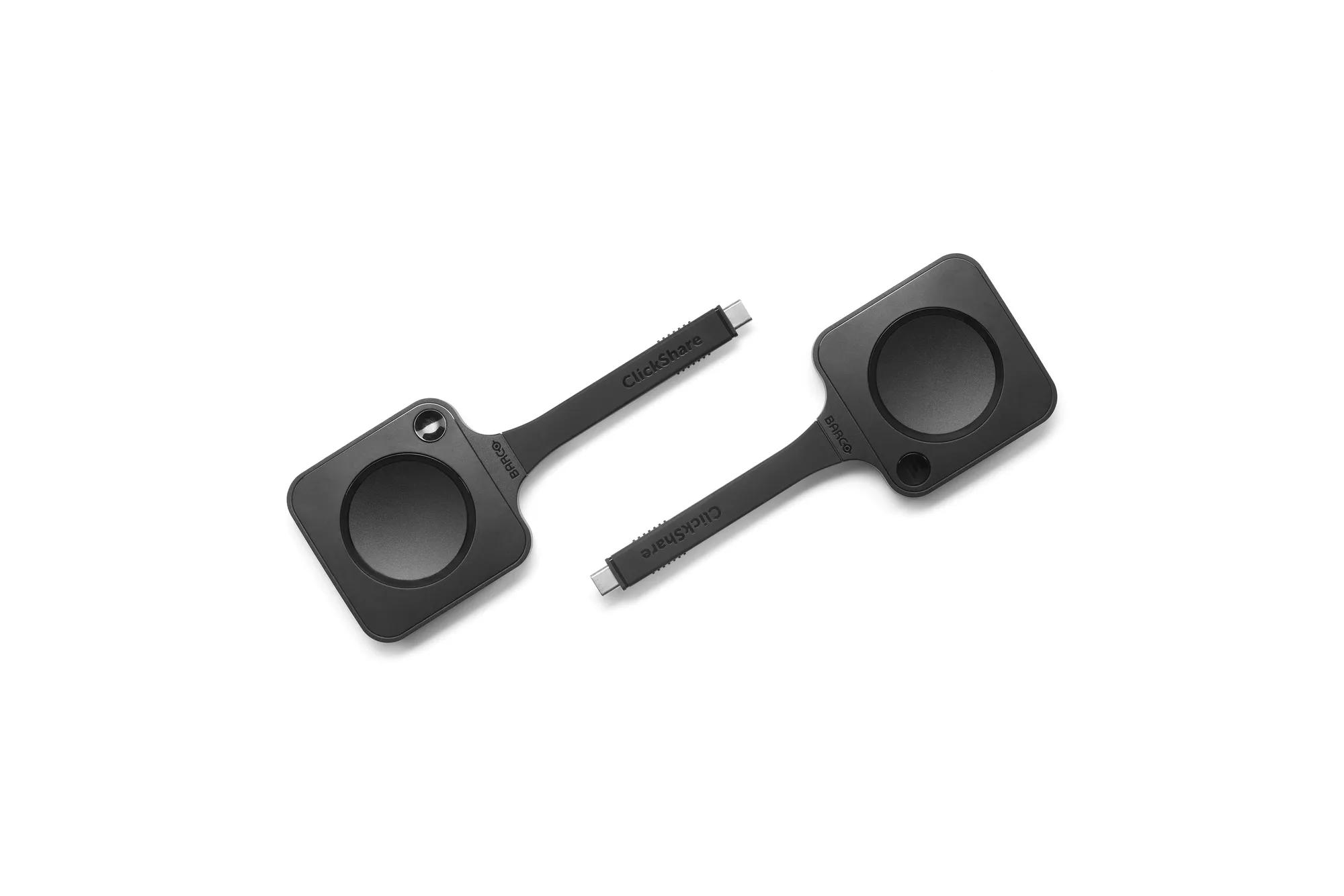
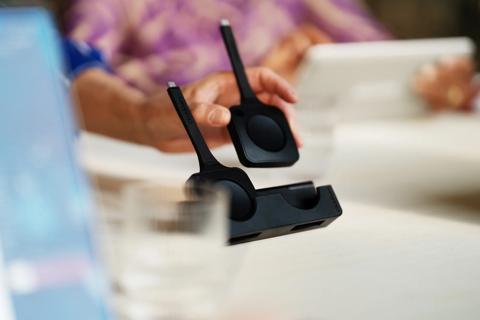
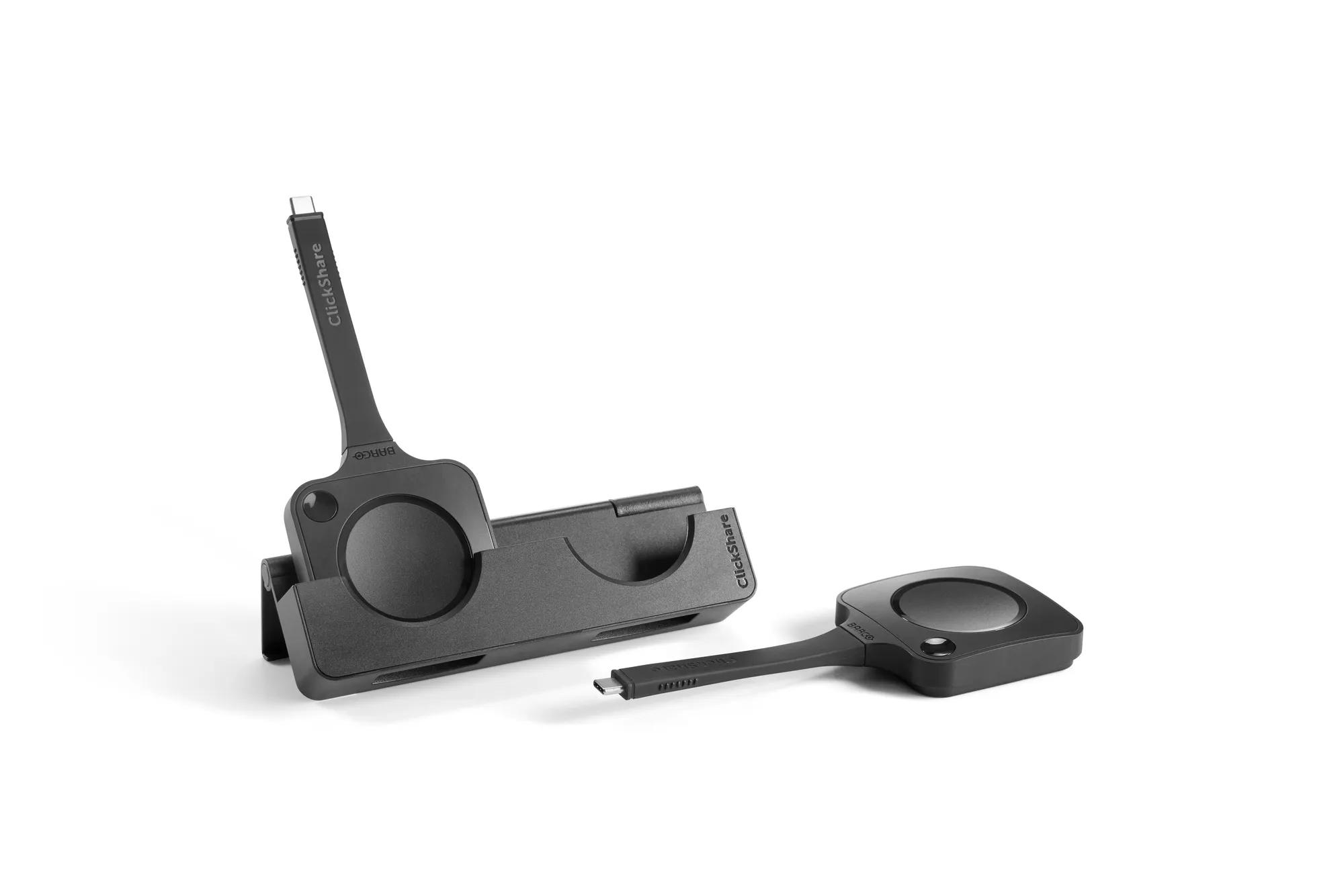
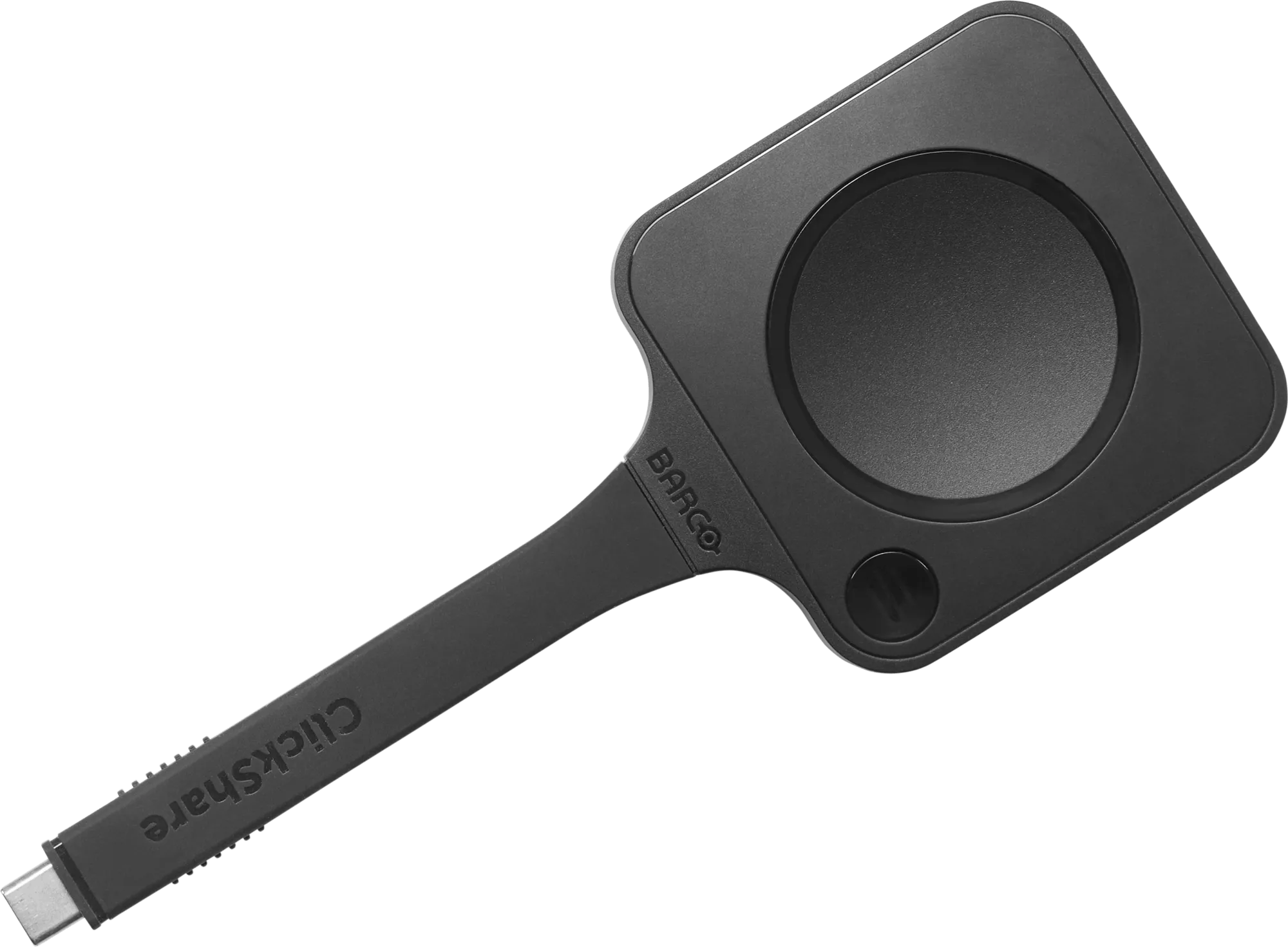
- Wireless presentation: 4K content sharing with 2 next-gen ClickShare Buttons with USB-C DisplayPort™
- Wireless BYOD for Microsoft Teams Rooms to run other videoconferencing platforms (Zoom, WebEx, Google Meet, etc.)
- Dual display support
- Secure by design, cloud-managed, and built on the Microsoft Device Ecosystem platform (MDEP)
- Sustainable product with Barco Eco label A+
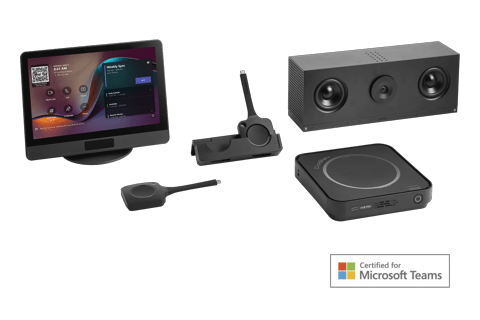
- Works as part of a room system bundle certified for Microsoft Teams
List price:
(excl. VAT, duties and freight)
Price not available
ClickShare Hub Pro - CN version with 2x Button
R9861710EUB2ClickShare Hub Pro - EU version with 2x Button
R9861710NAB2ClickShare Hub Pro - NA version with 2x Button
R9861710RWB2ClickShare Hub Pro - RW version with 2x Button
R9861710USB2ClickShare Hub Pro - US version with 2x Button
R9861710CNClickShare Hub Pro - CN version
R9861710NAClickShare Hub Pro - NA version
R9861710RWClickShare Hub Pro - RW version
R9861710USClickShare Hub Pro - US version
R9861710EUClickShare Hub Pro - EU version
ClickShare Hub Pro is a premium, modular wireless video conferencing system for enhanced hybrid meetings.
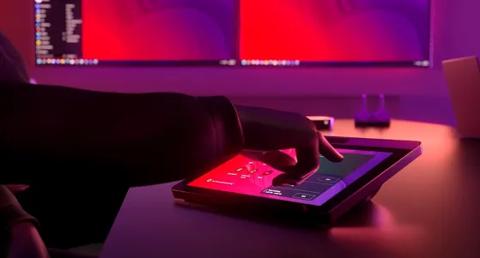
The Hub Pro works with the ClickShare Control Panel* and enables participants to start their meeting with a simple tap. Sharing 4K content is just as easy with two next-gen ClickShare Buttons. Paired with dual display support, the Hub enhances engagement and collaboration.
For IT managers and integrators, ClickShare Hub Pro offers a customizable solution for all room types. Built on the Microsoft Device Ecosystem Platform (MDEP), it guarantees enterprise-grade security and compliance.
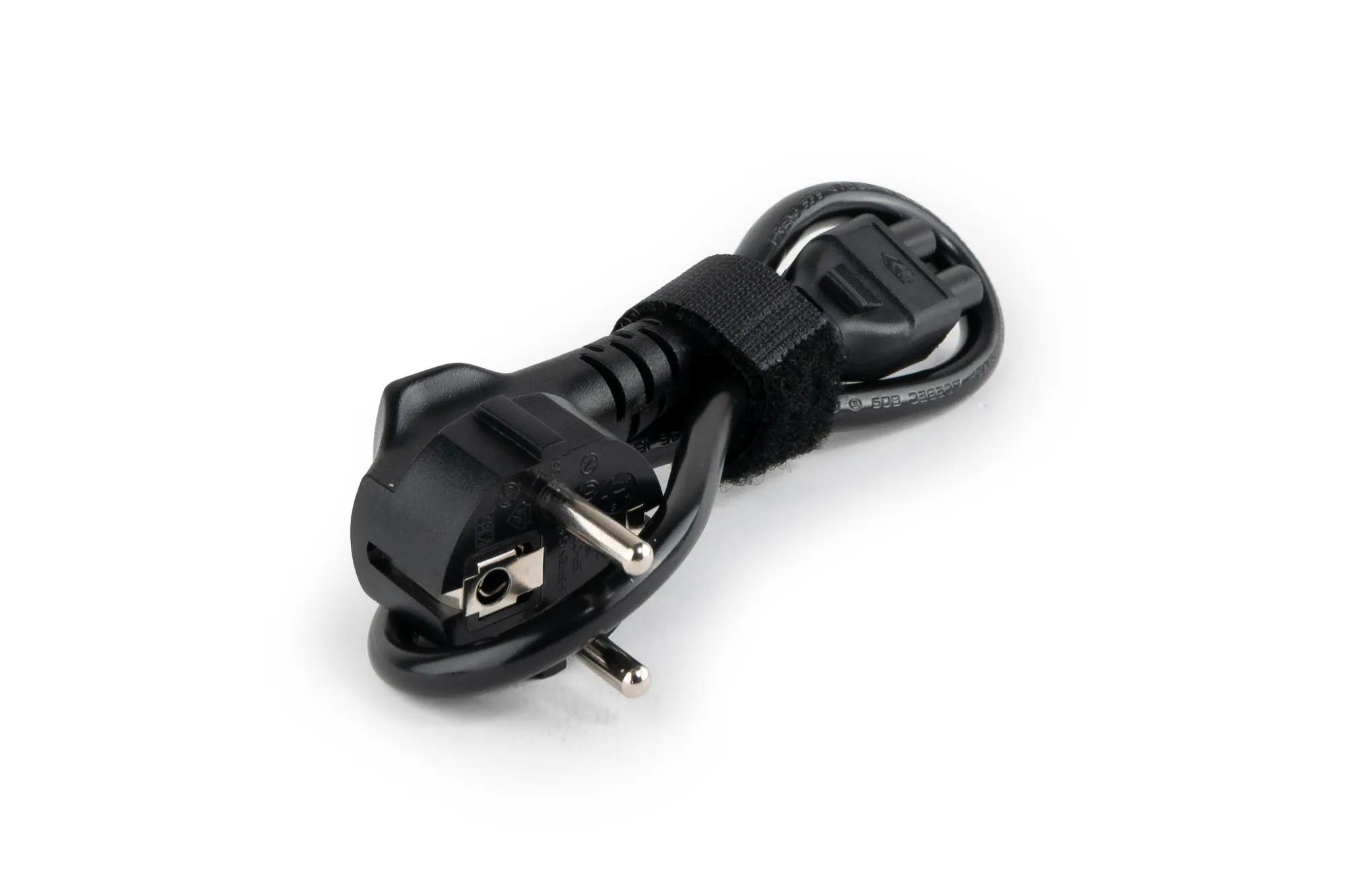
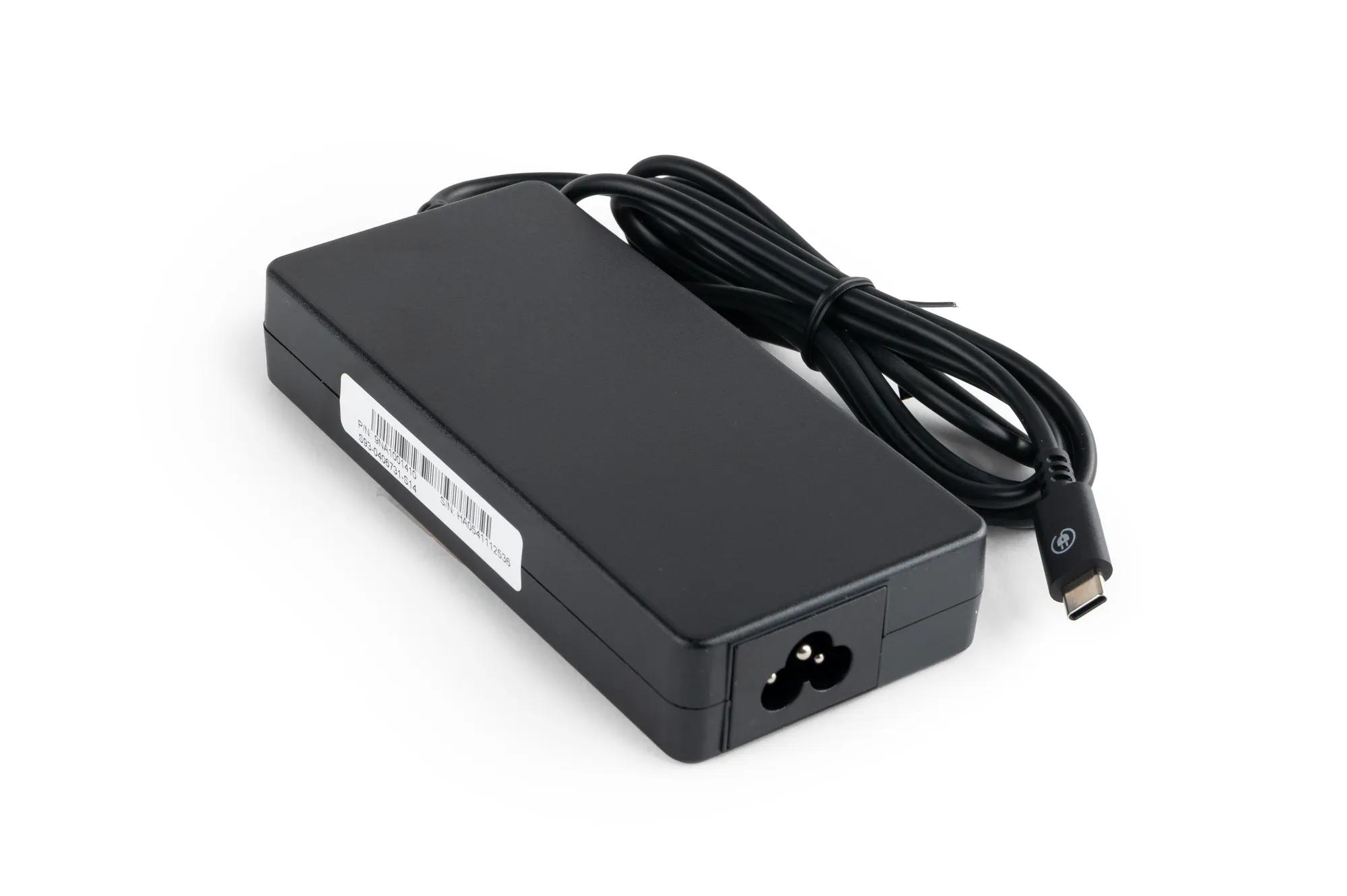
*The Control Panel, power cable and power cord are not included in this current package.
Specifications
Download spec sheetGeneral Specifications
- Operating system
- Android (MDEP)
- Microsoft Teams Rooms license required
- Yes
- System requirements
- For ClickShare App
Minimum: Intel Core i3 or AMD Ryzen 5, 8GB RAM, Windows 10 20HS; Intel Core i3 or Apple Silicon M1, 8GB RAM, macOS 11 Big Sur
Recommended: Intel Core i5/Ultra 5 or AMD Ryzen 7, 8GB RAM, Windows 11 latest build; Apple Silicon M3, 8GB RAM, macOS latest build
- Video outputs
- HDMI-1: UW5K WUHD (5120*2160) @30Hz HDMI 2.0 HDMI-2: 4K UHD (3840*2160) @30Hz HDMI 2.0 eDP (Control Panel): HD (1280*800) @60Hz DP 1.4
- Video inputs
- 4K UHD (3840*2160) @30Hz HDMI 2.0
- Audio output
- USB-A 2.0/3.0 USB-C 2.0/3.0 HDMI 2.0
- ClickShare Buttons
- 2 * ClickShare Button 5th Generation
- ClickShare App
- Desktop
- Maximum sources simultaneously on screen
- 1
- Noise Level
- Maximum 25 dBA @ <30°C Maximum 30 dBA @ >30°C
- Wireless transmission protocol
- IEEE 802.11 a/b/g/n/ac/ax/be and IEEE 802.15.1 BT 5.3
- Reach
- Max. 30m (100ft) between ClickShare Button and ClickShare Base Unit
- Frequency band
- 2.4GHZ, 5GHz and 6GHz DBS/HBS (DFS channels supported in select number of countries)
- Connections
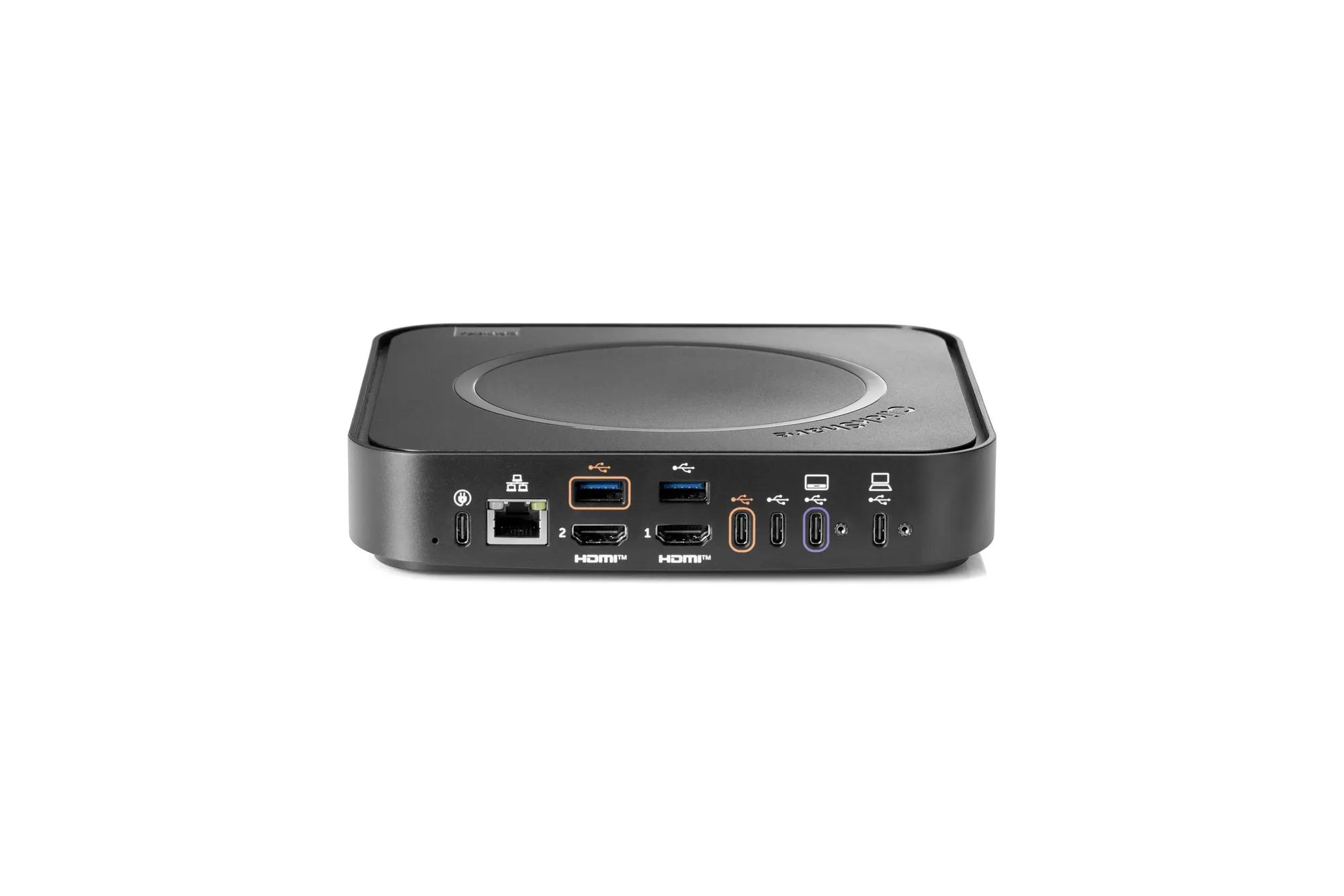
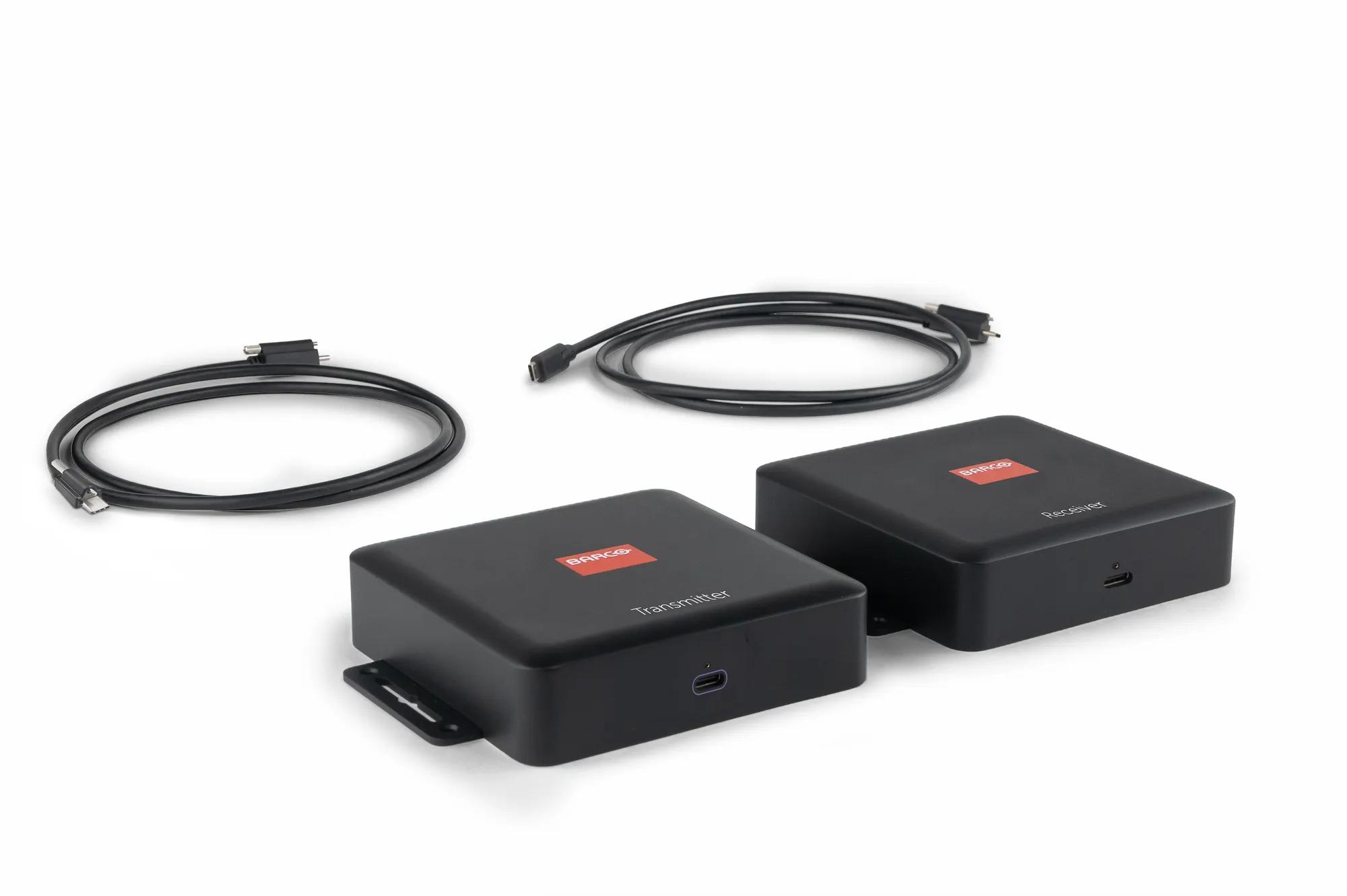
- Back: 1x Ethernet LAN 1Gbit 1x USB-C Power delivery 3.1 EPR (for power adapter) 2x HDMI 2.0 output 2x USB-C 2.0/3.0 1x USB-A 2.0/3.0 1x USB-C 2.0/3.0 Device + USB-C DisplayPort™ output 1x USB-C 2.0 + USB-C DisplayPort™ output Front: 1x USB-C 2.0/3.0
- Temperature range
- Operating: 0°C + 40°C (+32°F to +104°F) Max 35°C (95°F) at 3000m Storage: -20°C to +60°C (-4°F to + 140°F)
- Humidity
- Storage: 0 to 90% relative humidity, non-condensing Operation: 0 to 85% relative humidity, non-condensing
- Anti-theft system
- Kensington lock
- Certifications
- FCC/CE
- Network connection
- LAN
- Management and reporting
- Yes, XMS Cloud
- Warranty
- 3 years standard
- Dimensions (HxWxD)
- 37 * 180 * 180 (mm)
- Power consumption
- Operational: 160W (max) Standby: <7W (ECO mode), <0.5W (Deep Sleep mode)
- Power supply
- External USB-C charger 100W (PD3.0 SPR), 180W (PD3.1 EPR)
- Weight
- 720gr
- Box content
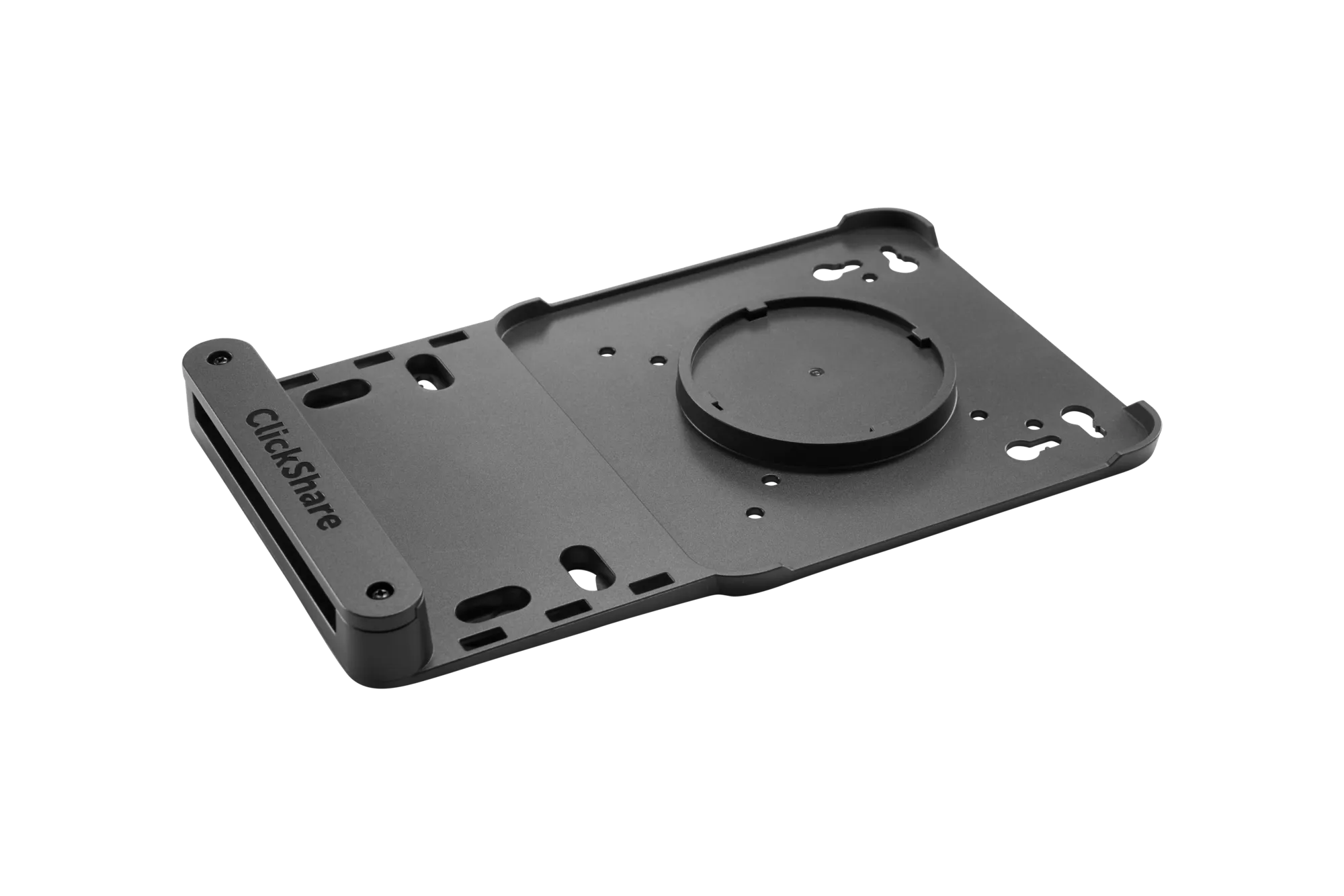
- ClickShare Hub Pro Base Unit, 2 ClickShare Hub Button 5th Gen, Mounting disc, Safety manual, Quick setup guide

accessories
ClickShare Control Panel R9861720US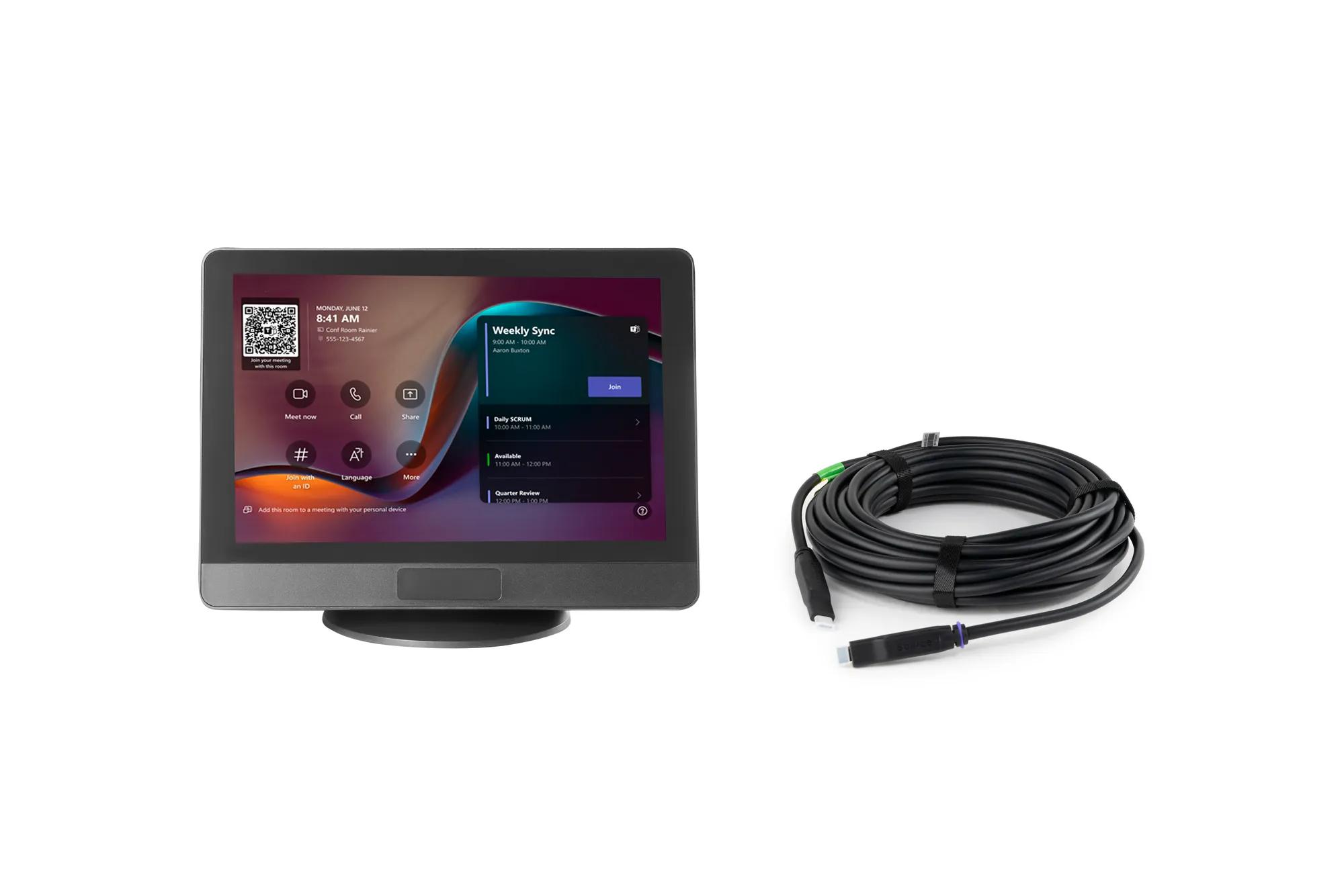
You can now find all media, brochures, presentations, whitepapers & marketing downloads in our new & improved download center
Visit Media CenterSimilar products
View all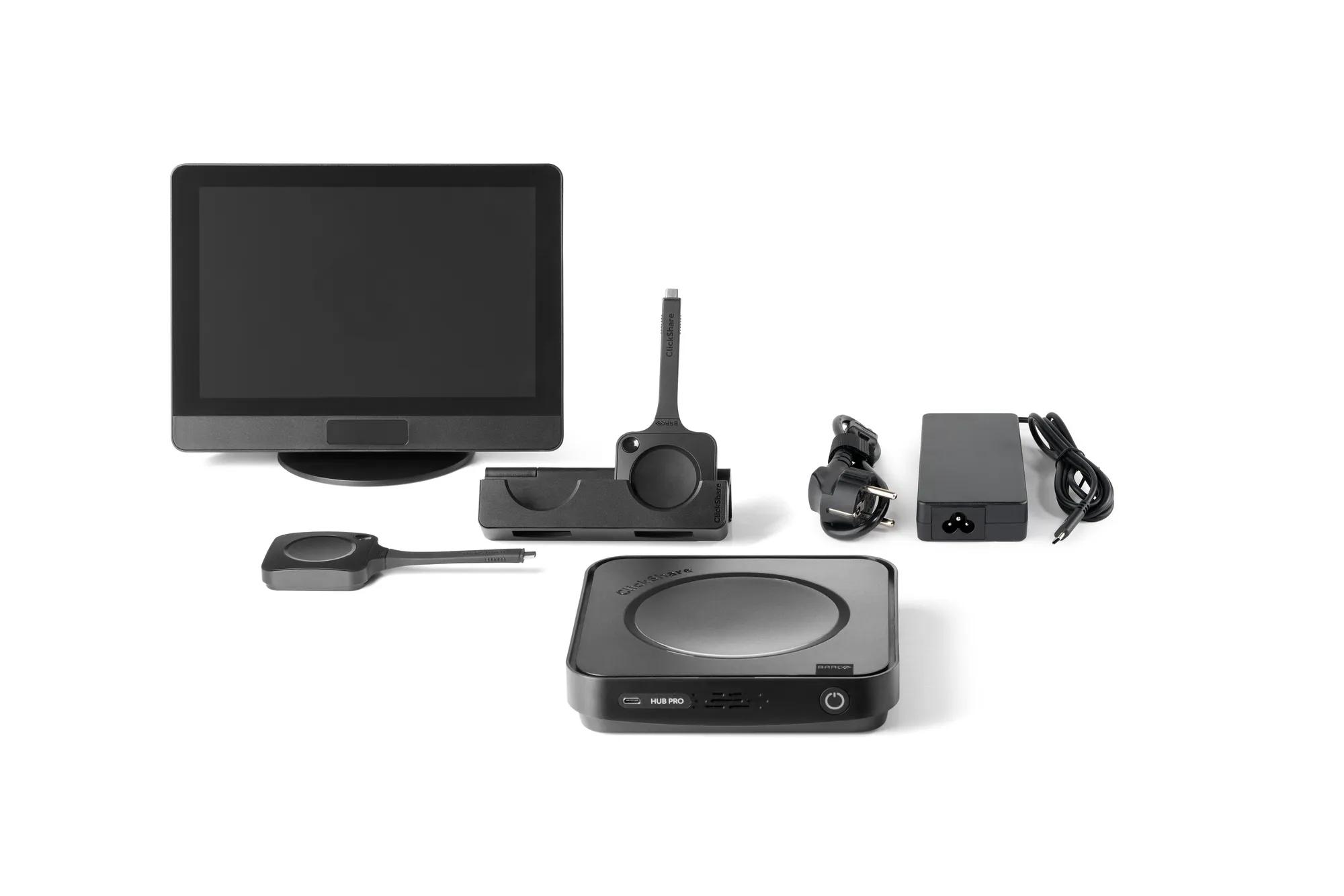
ClickShare Hub Pro and Control Panel Kit
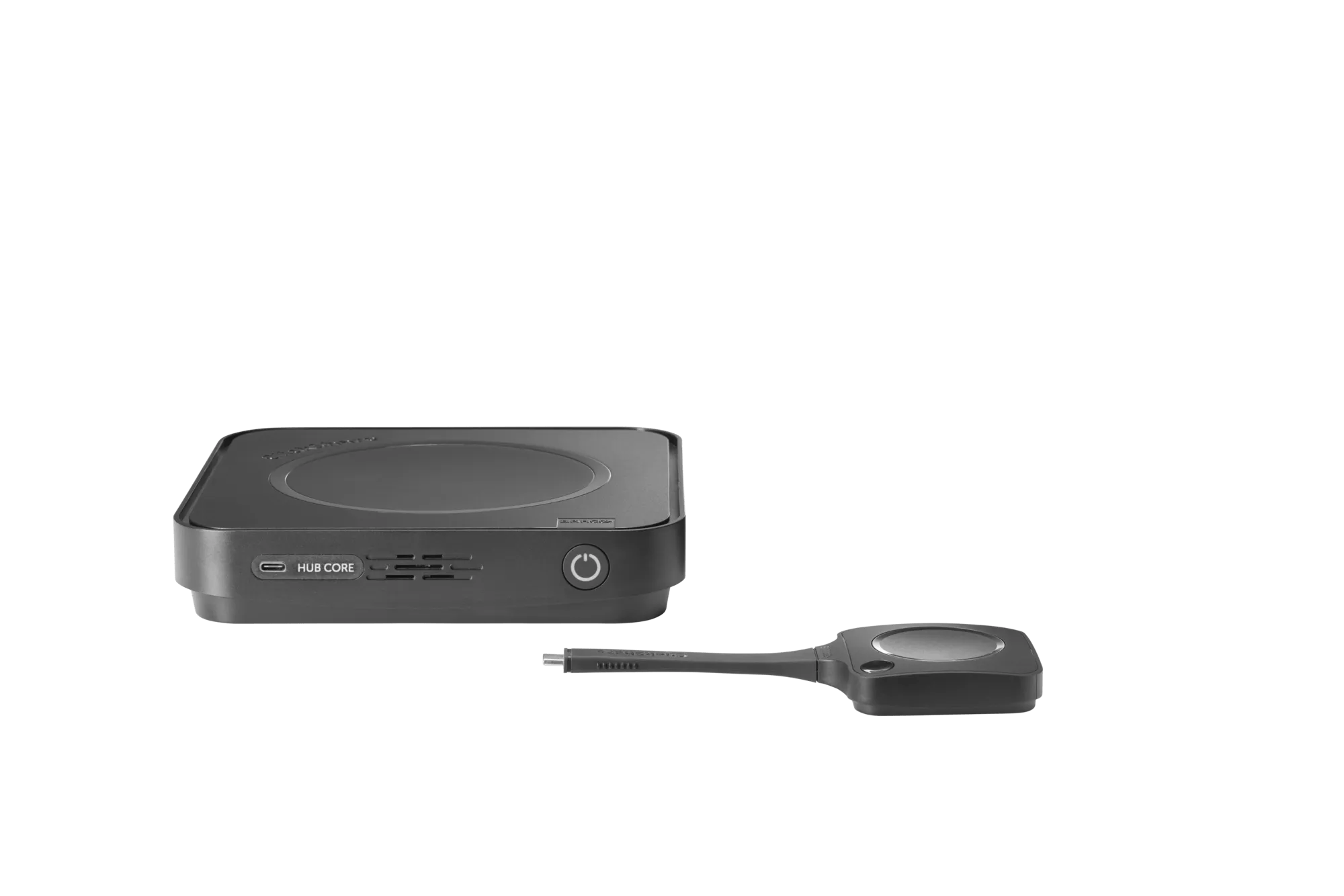
ClickShare Hub Core
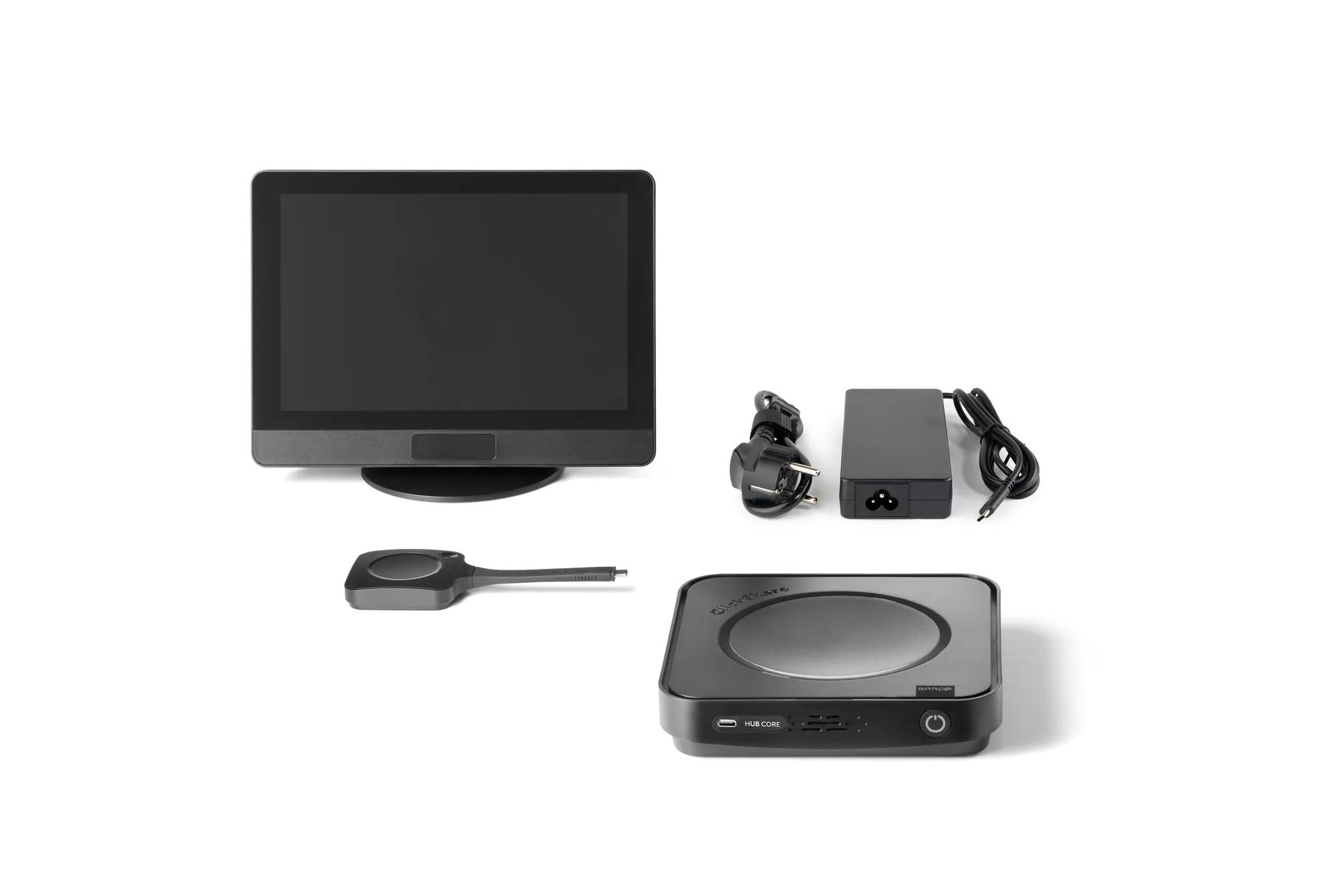
ClickShare Hub Core and Control Panel Kit
Next-gen ClickShare Button
Looking for technical documents or product support?
For technical downloads such as drivers, firmware, manuals, drawings & documentation we would kindly like to direct you to our product support page.
Go to product support