
ClickShare Control Panel (USB‑C cable not included)
You will not receive alerts for the selected products.
Please go to Alert type settings to adjust your notification preferences.
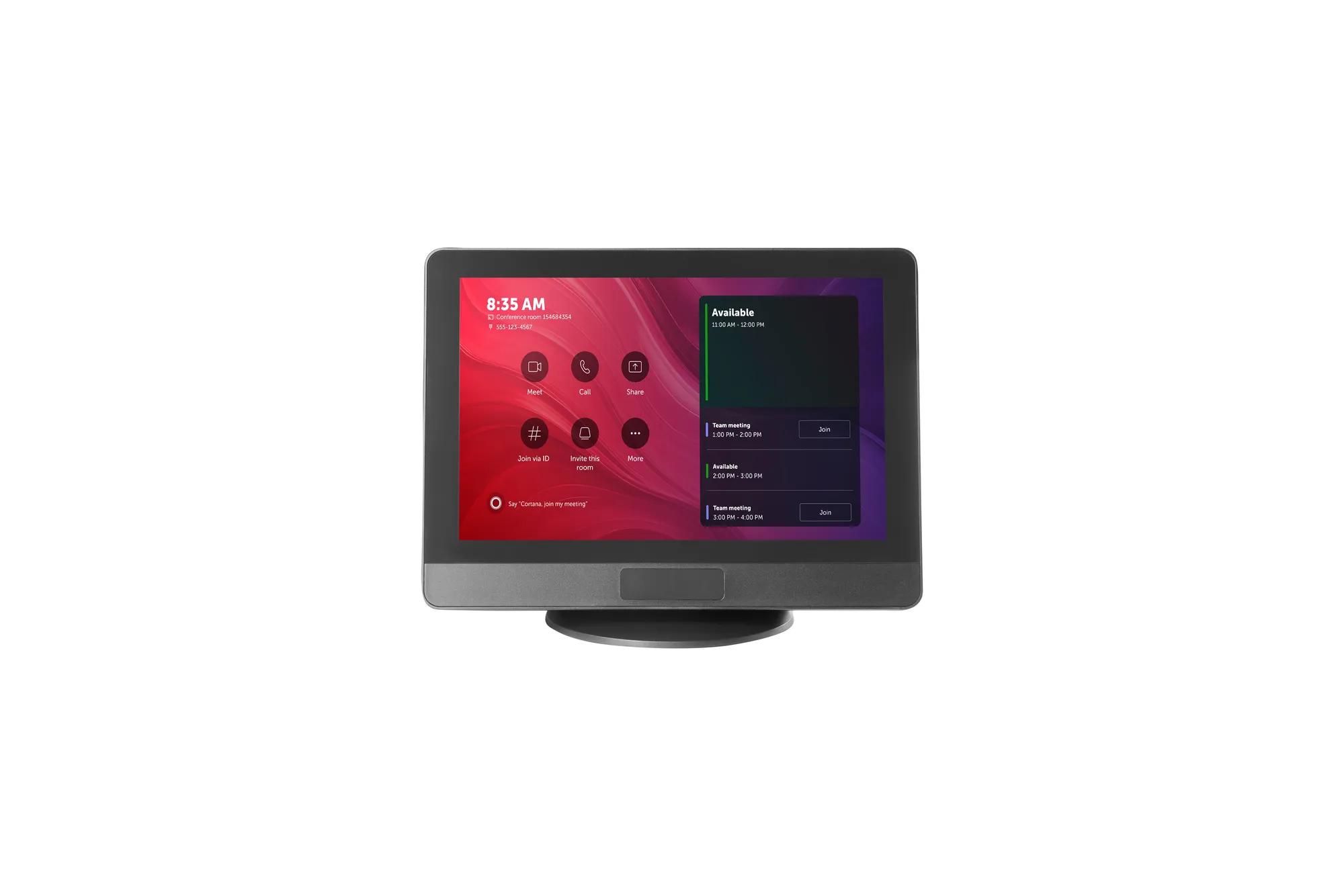
- One-tap start to your hybrid meeting — no delays, no confusion
- ClickShare USB‑C Extension over CAT kit can be added for more complex installations
- Zero setup time, easy deployment and management
- 10-inch responsive screen with multiple mounting options
- Not included in this package: single 10m USB-C connection
The ClickShare Control Panel is an integral part of ClickShare Hub wireless video conferencing room system, providing an intuitive interface to start and manage hybrid meetings. With a single tap, you can launch your Microsoft Teams video call, ensuring a smooth and efficient meeting experience.
Specifications
Download spec sheetGeneral Specifications
- Touchscreen
- 10.1-inch projected touchscreen with anti-fingerprint and anti-glare coatings, supporting up to 4 touch points for enhanced visibility and durability
- Resolution
- 1280*800 @60Hz
- Brightness
- 300 nits
- Contrast Ratio
- 1000:1
- Viewing angle
- 80° (Up/Down/Left/Right)
- Human detection sensor
- Automatically detects in-room human movement within a 2-meter range and 90° field of view to wake the system.
- Connections
- USB Type-C 2.0, DisplayPort Alt Mode, PD3.0 Recommend using the included ClickShare 10M USB-C AOC cable for optimal performance
- Temperature range
- Operating: 0°C + 40°C (+32°F to +104°F) Storage: -20°C to +60°C (-4°F to + 140°F)
- Humidity
- Storage: 0 to 90% relative humidity, non-condensing Operation: 0 to 85% relative humidity, non-condensing
- Anti-theft system
- Kensington lock
- Dimensions (HxWxD)
- 254.5 x 187.9 x 76.9 (mm)
- Power consumption
- Powered over USB from connected Base Unit Operational: 7.3W (max) Standby: <0.5W
- Weight
- 820gr
- Box content
- ClickShare Control Panel, ClickShare 10M 20W USB-C AOC cable, L-Shape mounting plate, Round base, Screw pack, Safety manual, Quick setup guide
Similar products
View all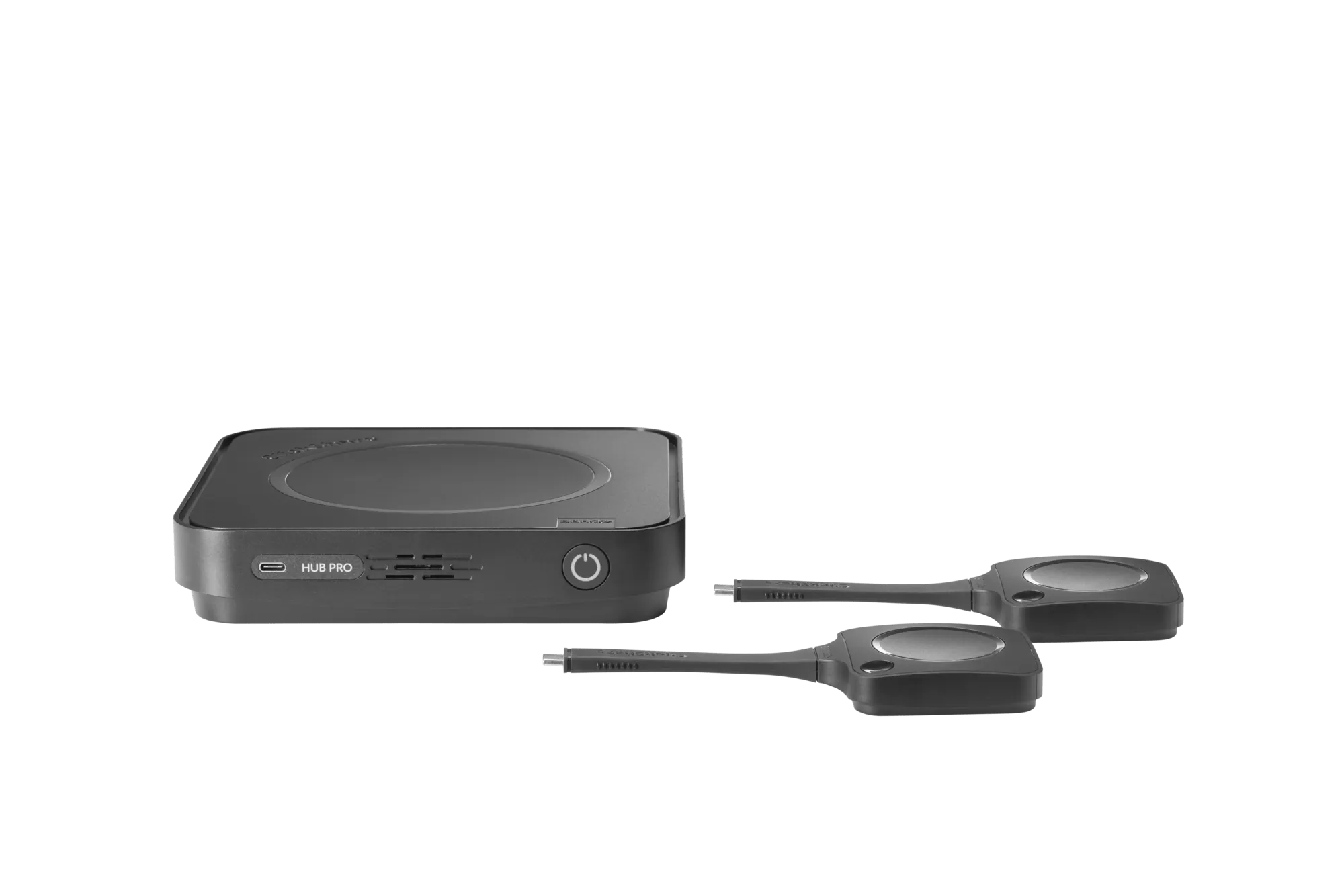
Video conferencing room systems
ClickShare Hub Pro
Premium modular video conferencing room system for enhanced hybrid meetings in Microsoft Teams Rooms
Discover
Video conferencing room systems
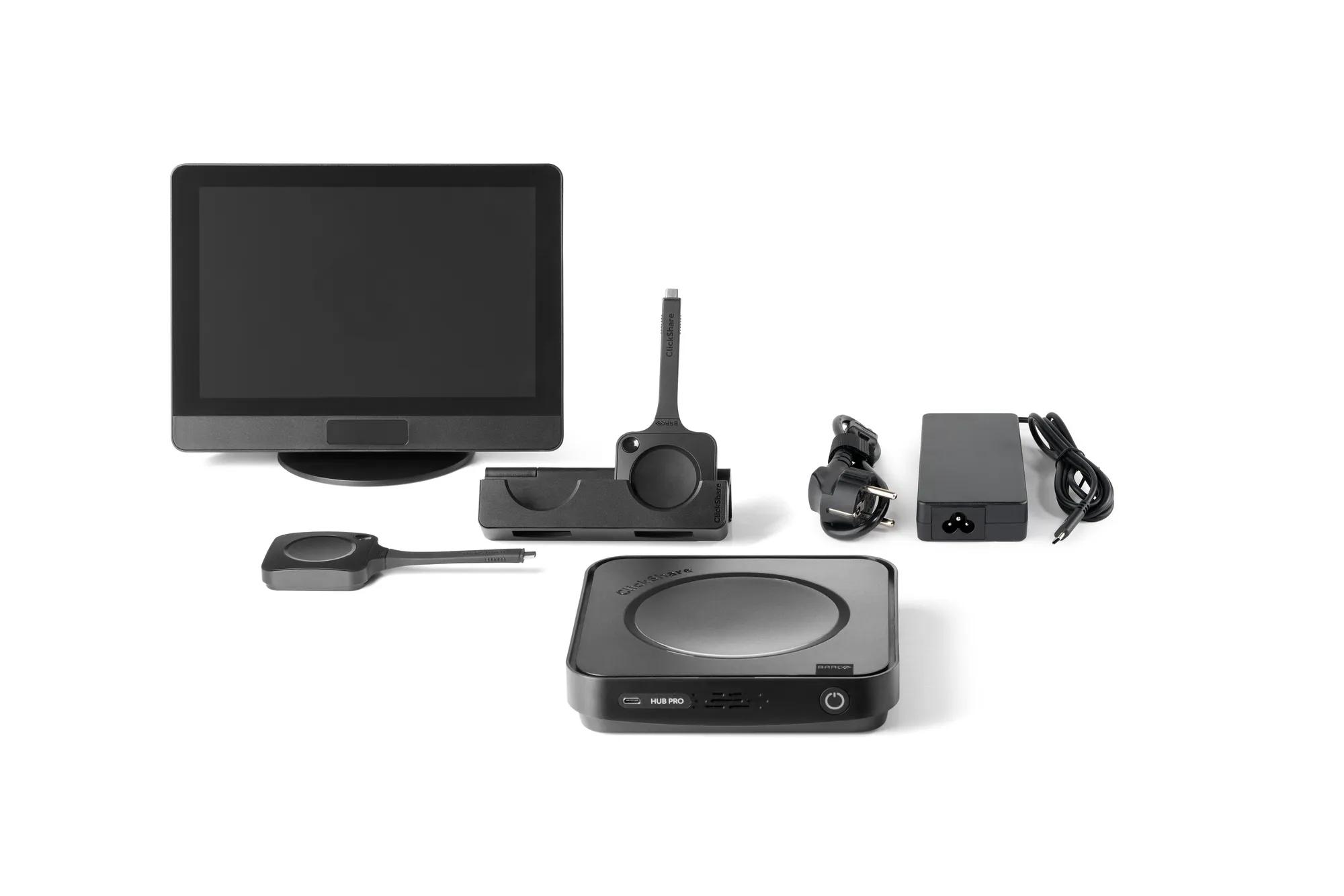
ClickShare Hub Pro and Control Panel Kit
Premium modular video conferencing room system for enhanced hybrid meetings in Microsoft Teams Rooms with Control Panel
Discover
Video conferencing room systems
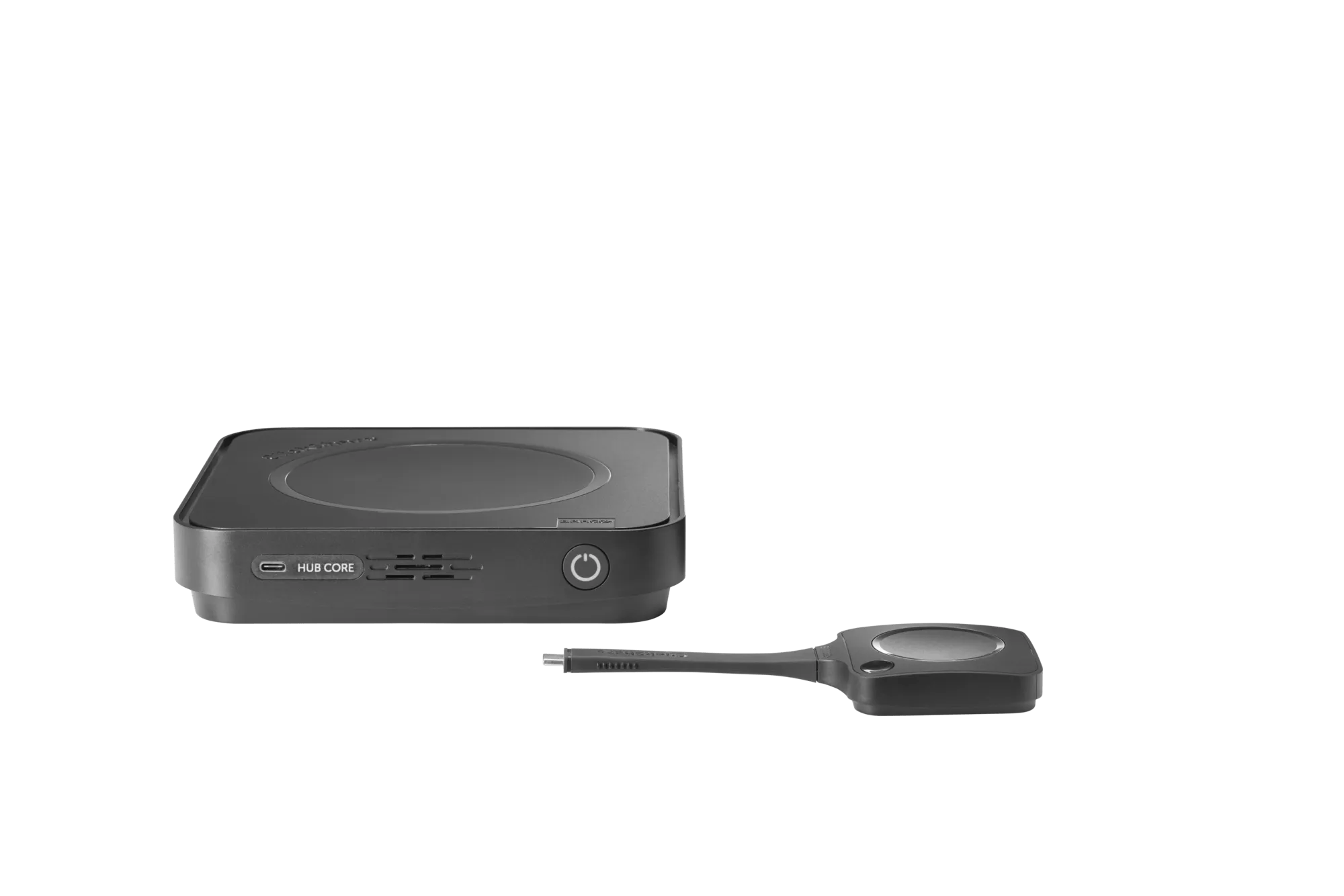
ClickShare Hub Core
Modular video conferencing room system for effortless hybrid meetings in Microsoft Teams Rooms
Discover
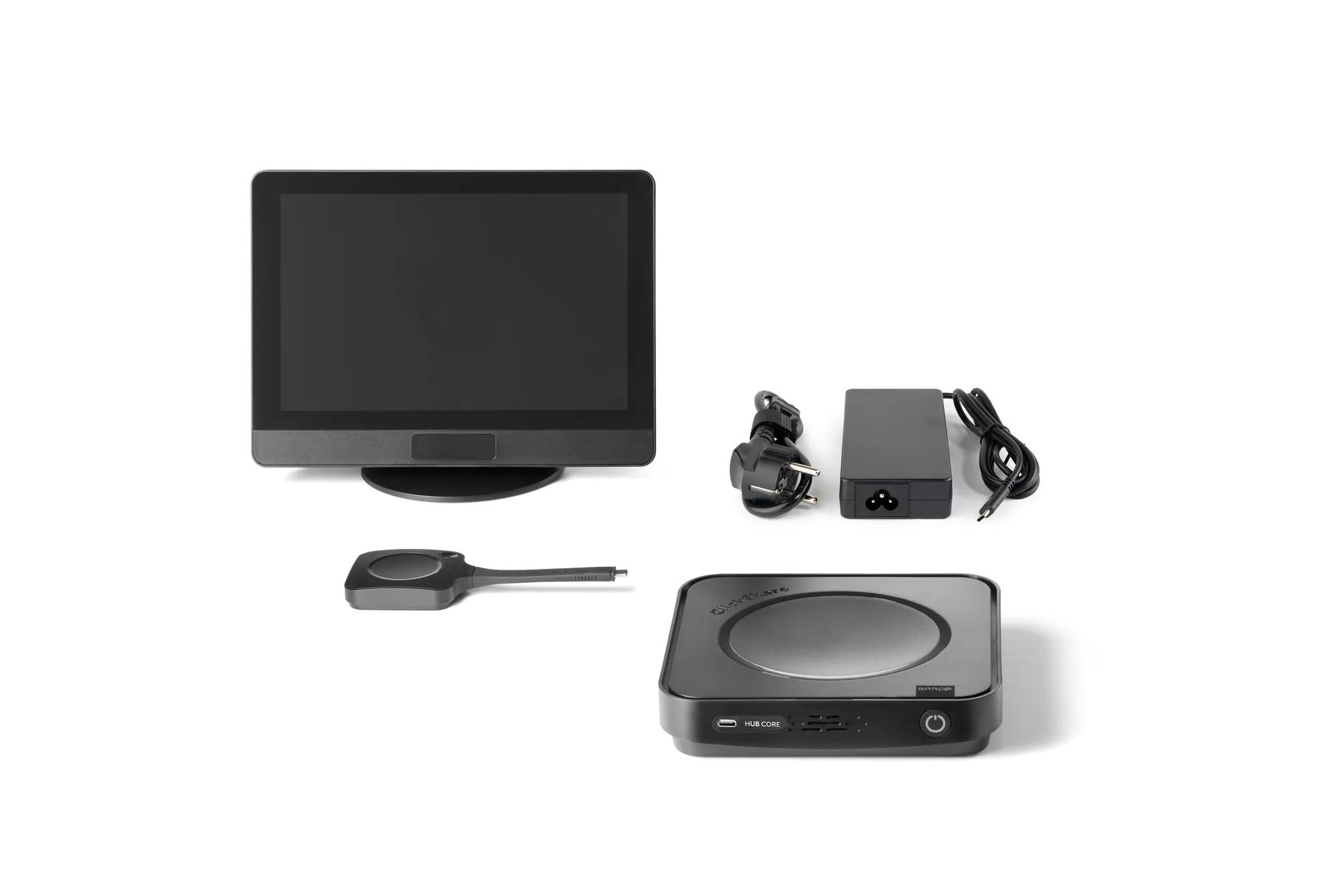
Video conferencing room systems
ClickShare Hub Core and Control Panel Kit
Modular video conferencing room system for effortless hybrid meetings in Microsoft Teams Rooms with Control Panel
Discover
Looking for technical documents or product support?
For technical downloads such as drivers, firmware, manuals, drawings & documentation we would kindly like to direct you to our product support page.
Go to product support