
"Unable to register ClickShare device, please retry.." error
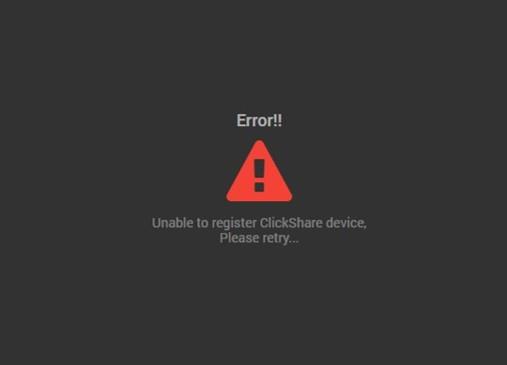
When you encounter this error while entering the device token and device name during the first time setup, check the following:
- Ensure that the meeting room name is not left empty.
- Ensure the token ID is correctly copied.
- the token ID is case-sensitive
- the difference between the letter 'O' and the number '0'
When registration still fails, you can temporarily skip the registration by following the instructions on the screen (below the line) and once the device is set up, go to the web configurator of the device (how to: see KB 2324) and reset the device to factory defaults (how to: see KB 2327).
This will give you a new device token, which you can use to register the Base Unit in XMS cloud. If you then still encounter this error, please contact Barco helpdesk by creating a ticket (how to: see KB 6024).
"Unable to add device" error
When you encounter this error and the Firmware version of the ClickShare Base Unit is below V2.5, please update the ClickShare Base Unit firmware first and reset to factory defaults (how to: see KB 2327) before trying again to add the ClickShare Conference device into XMS Cloud.
When the Firmware version of the ClickShare Base Unit is V2.5 or higher, please contact Barco helpdesk by creating a ticket (how to: see KB 6024).

