
You can find the software/firmware for each ClickShare device on their respective Drivers & Software pages on the Barco website. The table below provides direct links to the Drivers & Software pages for each ClickShare device.
General ClickShare Firmware Download Page
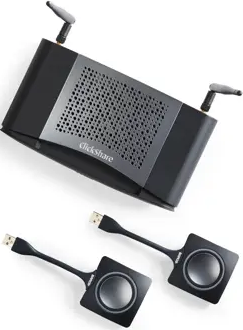
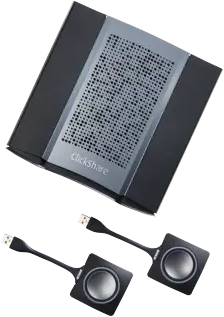
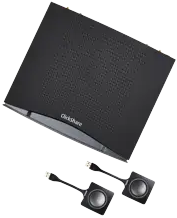
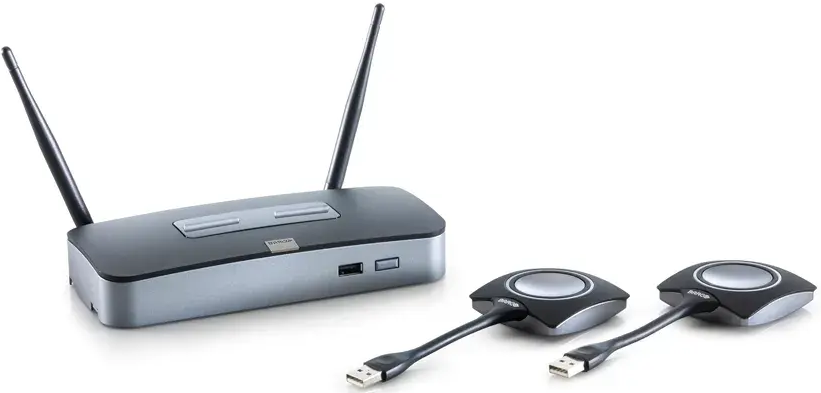
ClickShare Hub Core & Hub Pro – Software Links (Click to view and open)
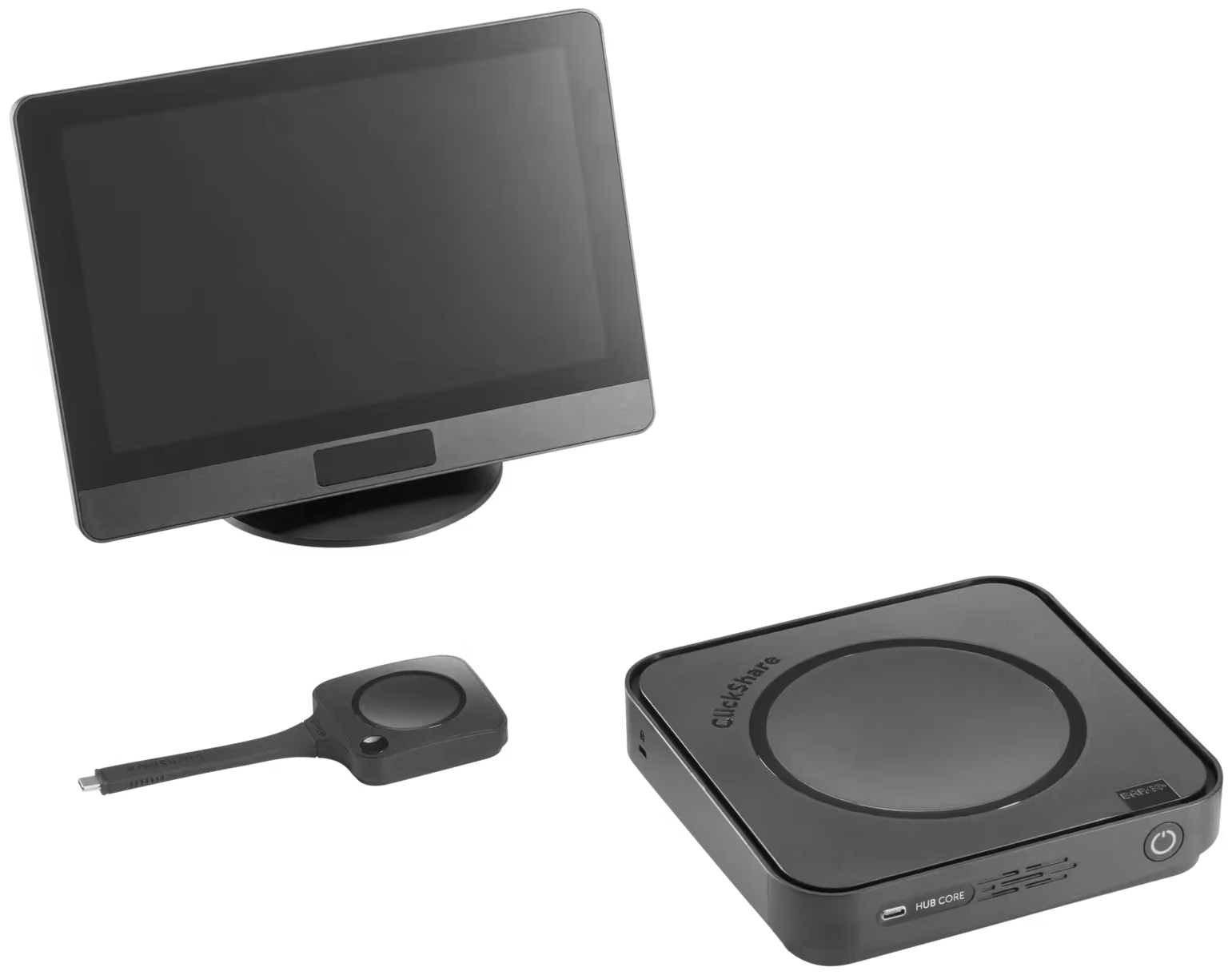
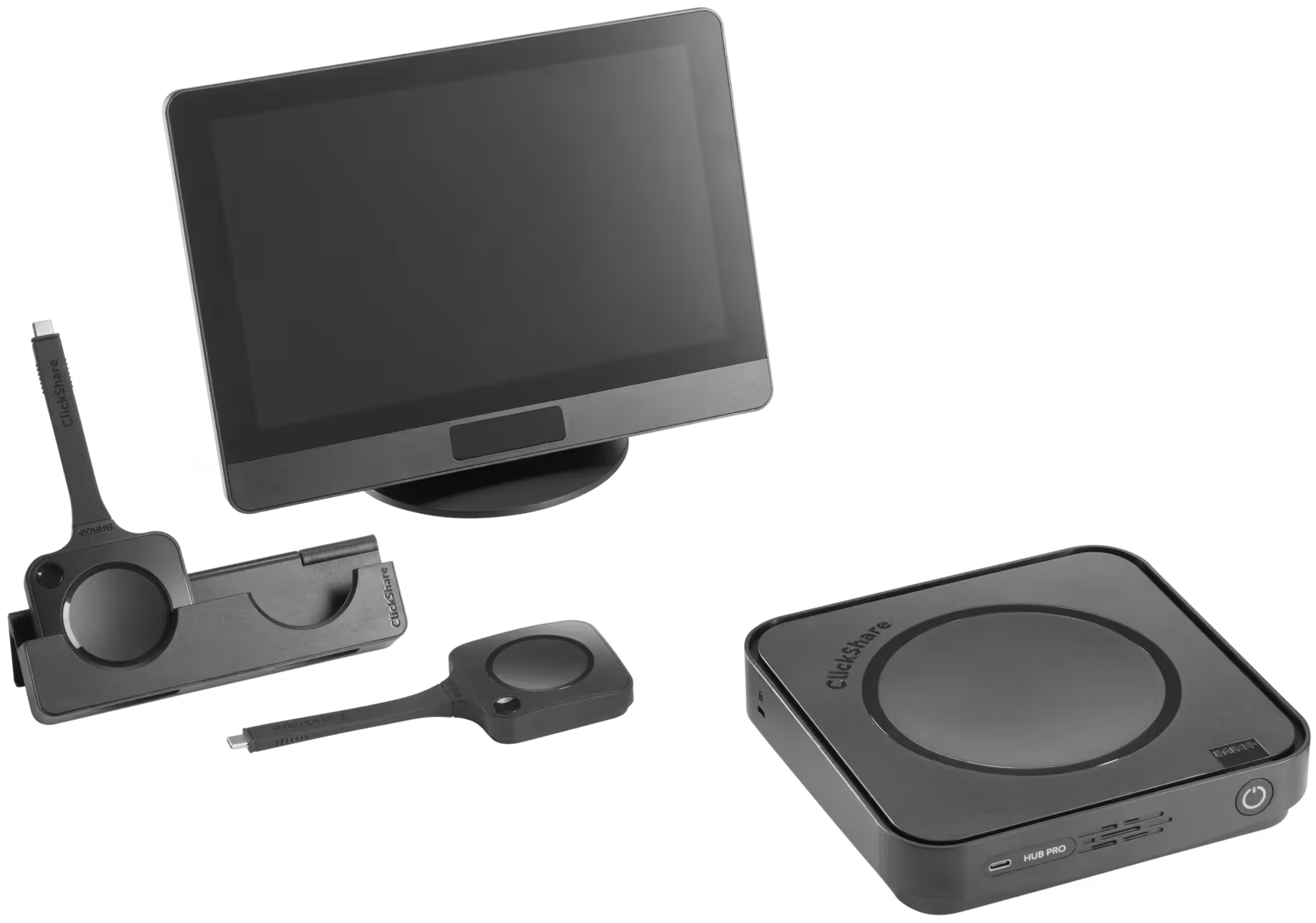
ClickShare Bar Core & Bar Pro – Software Links (Click to view and open)
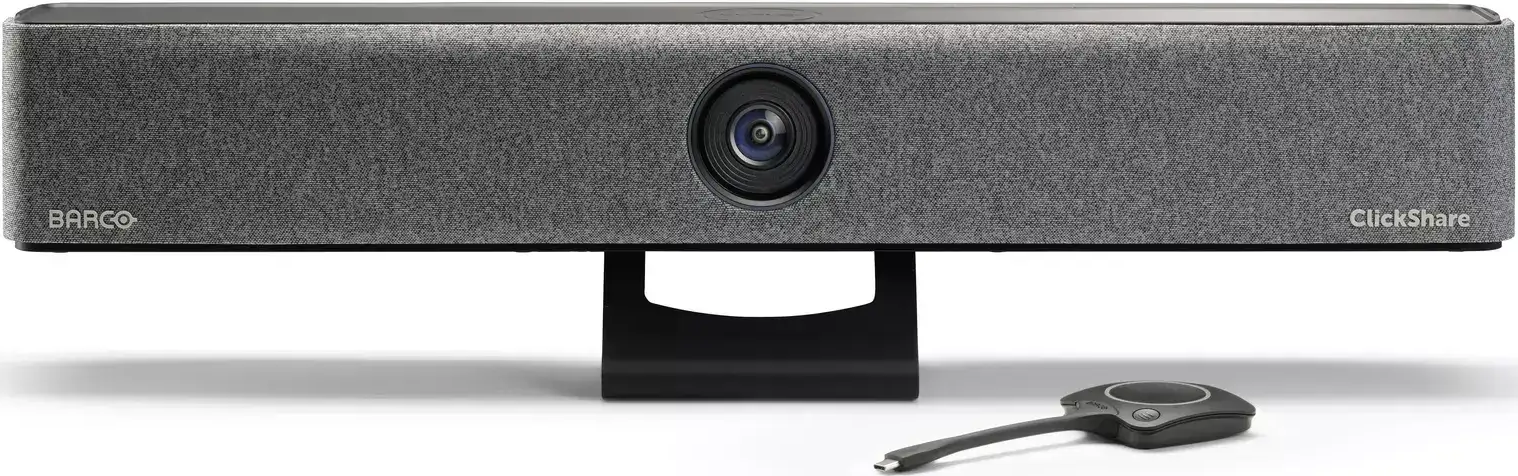
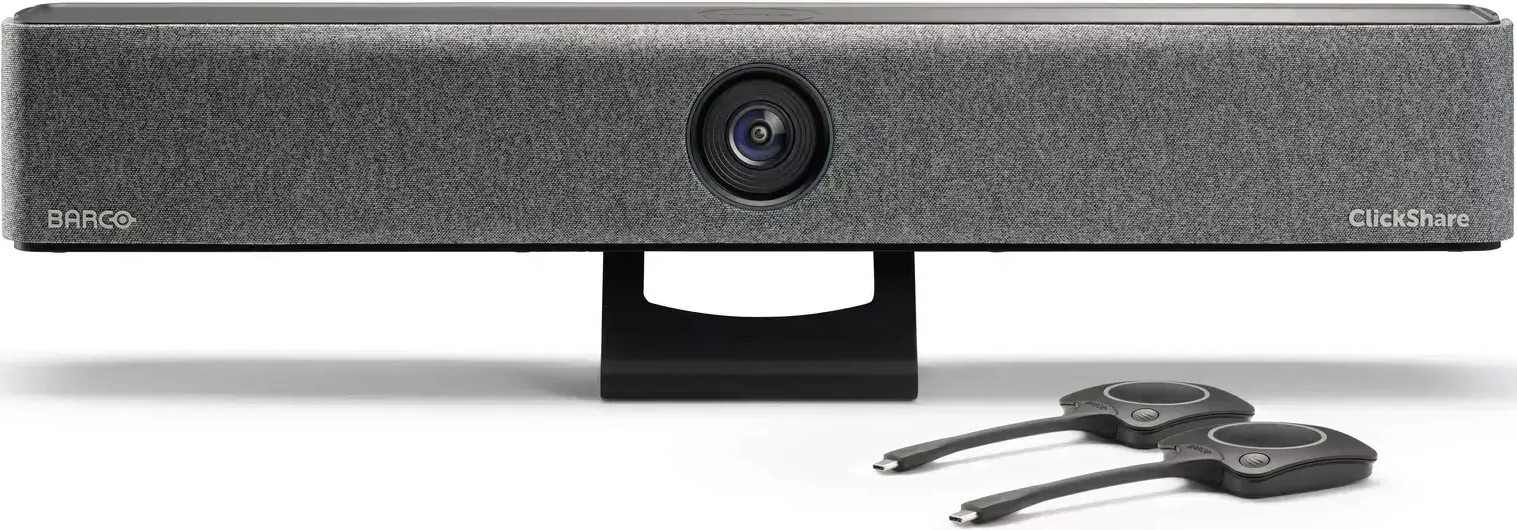
ClickShare CX-20, CX-30 & CX-50 – Software Links (Click to view and open)
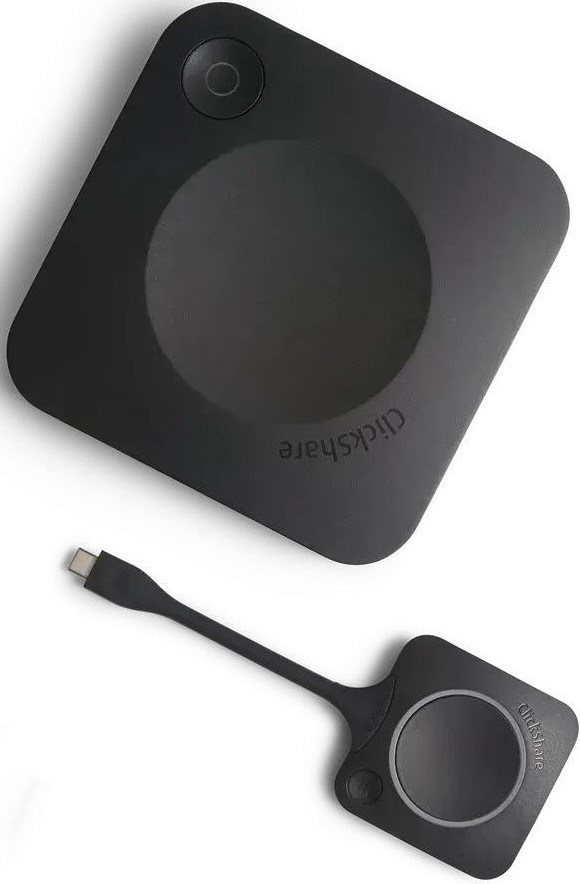
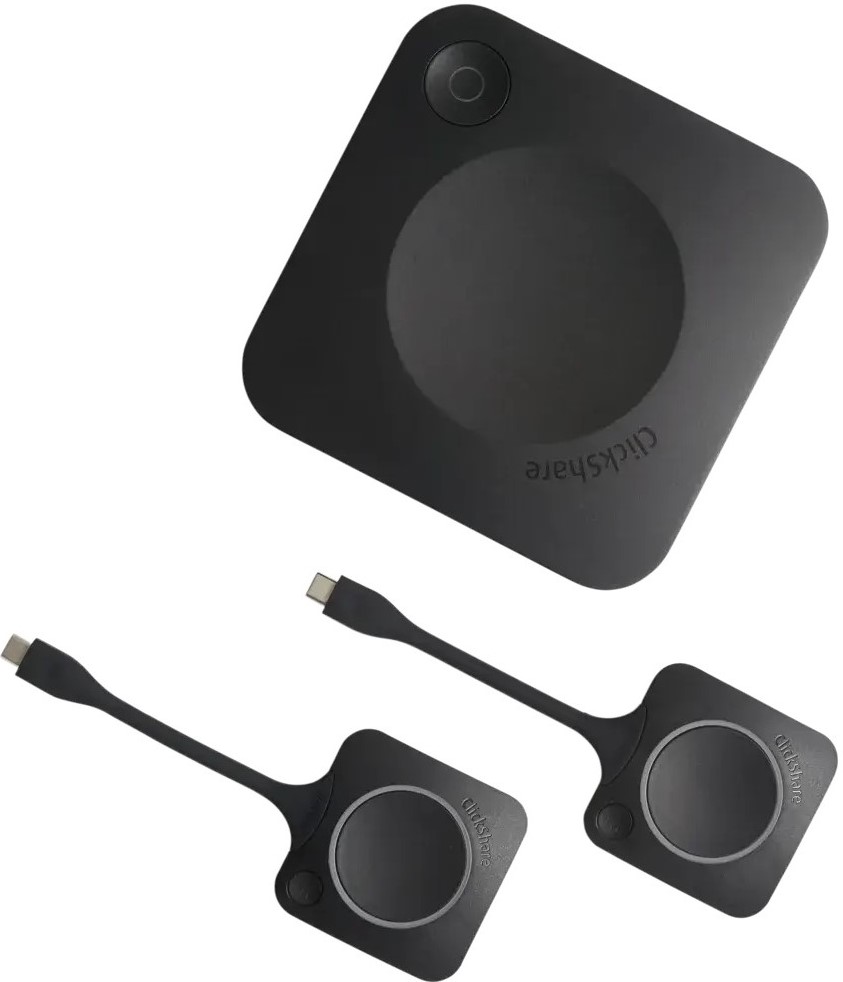
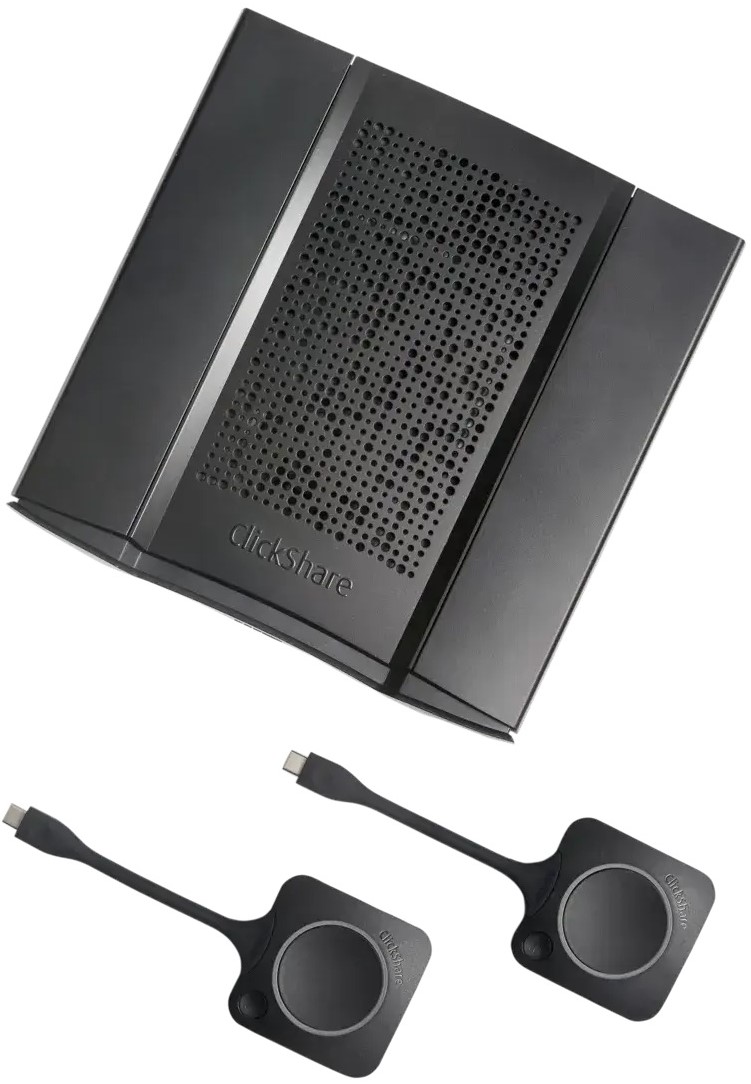
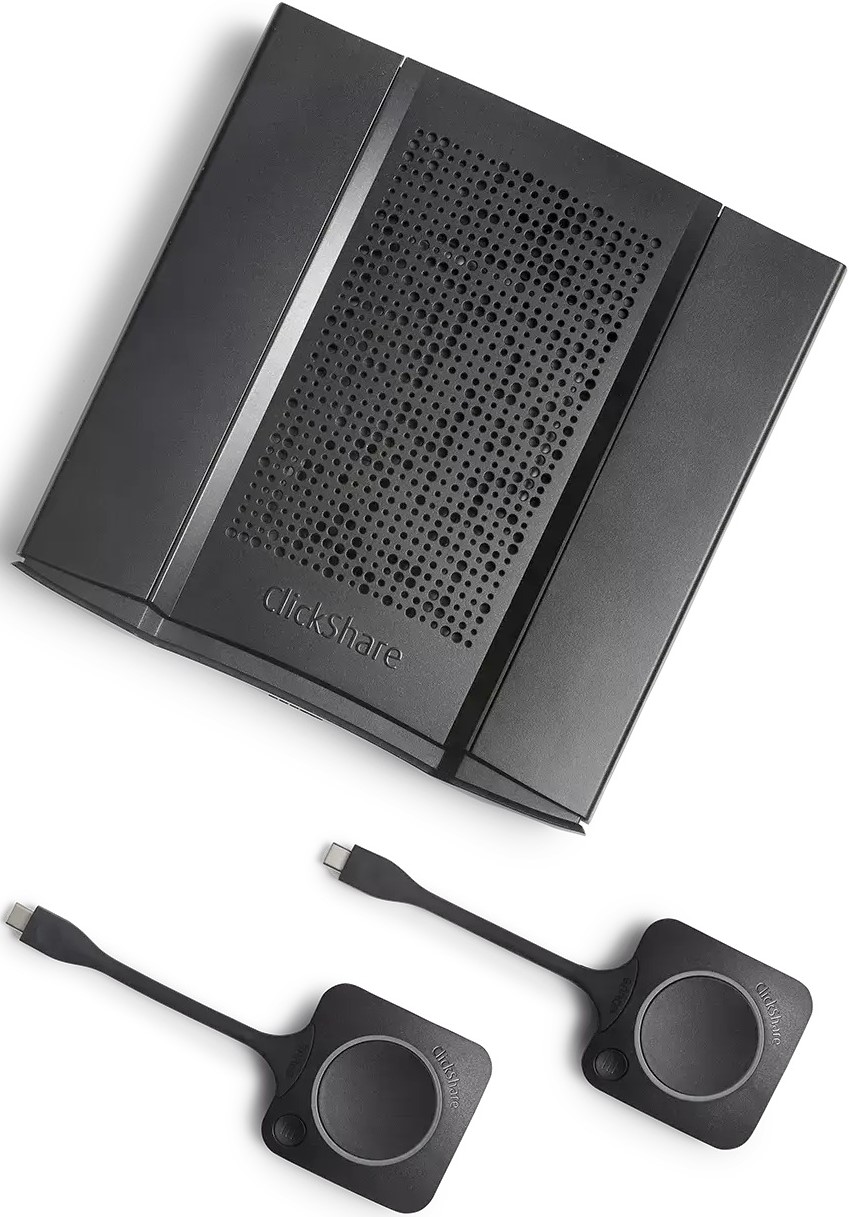
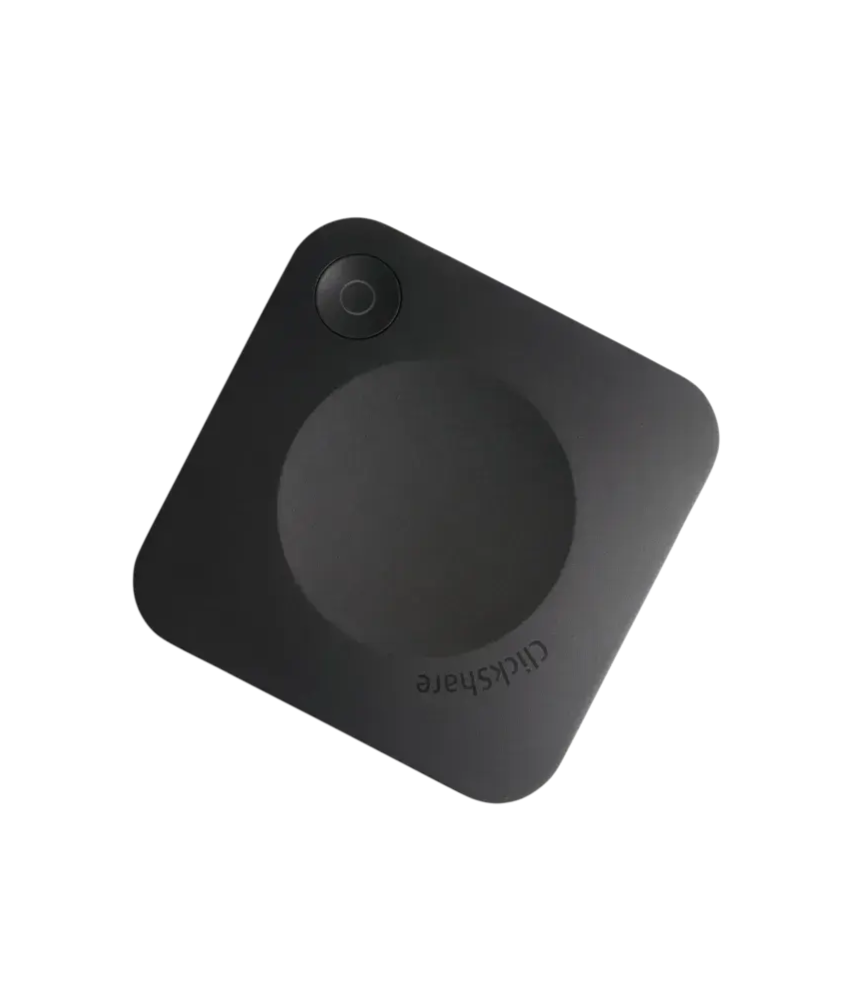
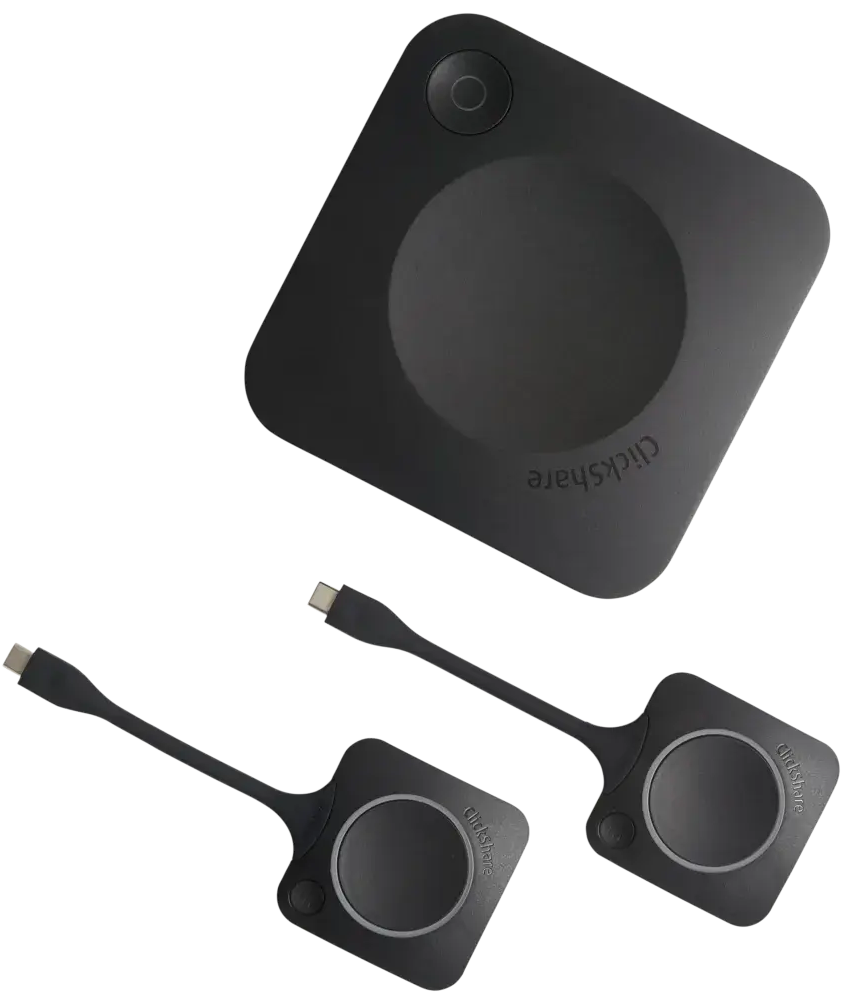
ClickShare CS-100(Huddle), CSE-200(+) & CSE-800 – Software Links (Click to view and open)
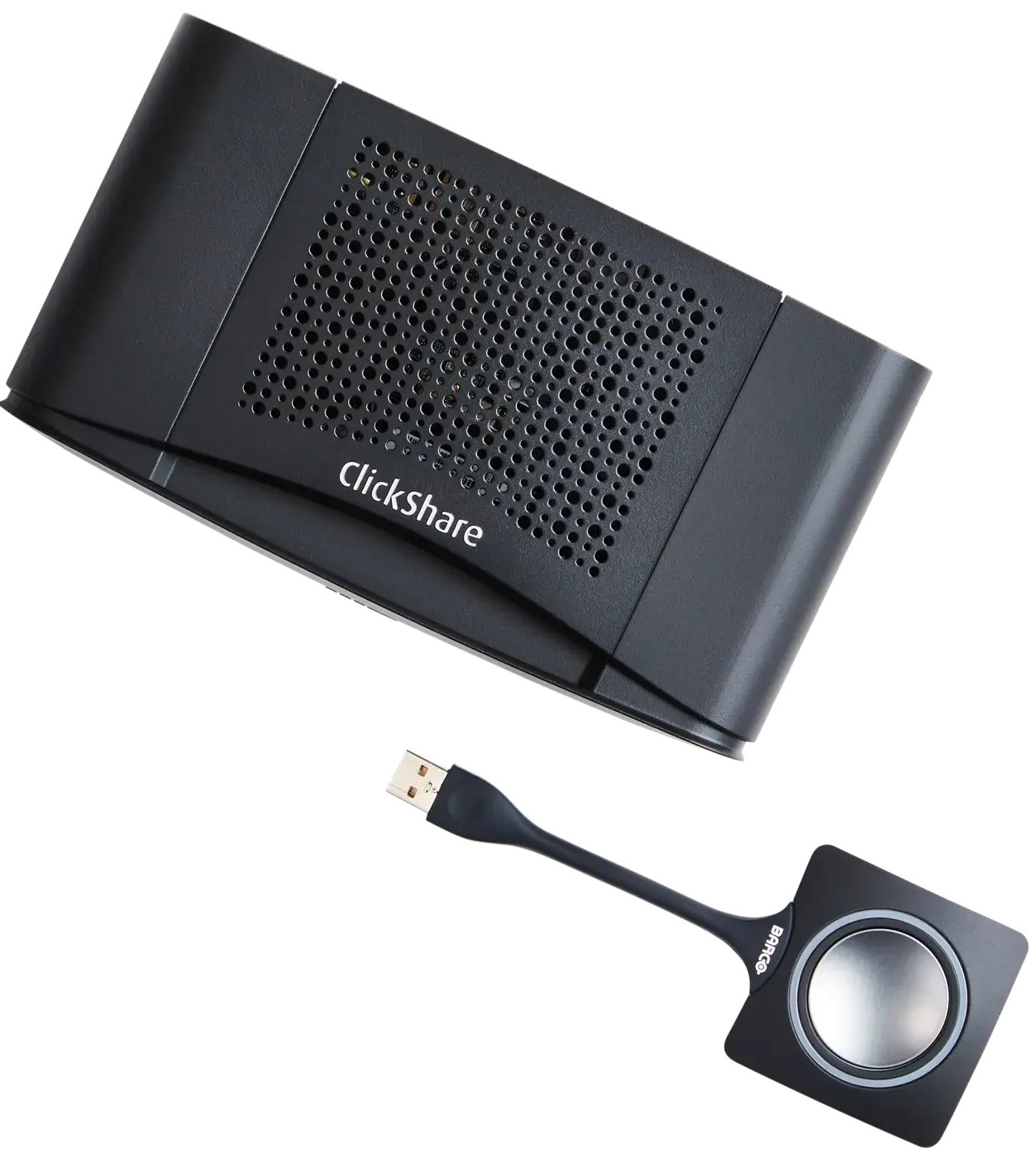
Downloading Drivers & Software
Filter the software you want to download by selecting the document types from the available list, then click on the corresponding software Download file button. Alternatively, you can directly navigate to the software you want to download and click on its Download file button. For example, downloading the CX-50 Gen2 base unit firmware.
Click the down arrow next to the Download file button to open the contextual menu for navigating to the released versions of that software.

