文章 · 5 分钟阅读 · 2026年5月7日
5 分钟阅读
When meeting room technology works, nobody notices. When it doesn't, everyone notices.
This autumn's ClickShare release is focused on making meeting spaces easier to manage, quicker to deploy and more reliable day-to-day. From the fresh XMS Cloud capabilities for ClickShare Hub to new bundles certified for Microsoft Teams, and important security updates, every improvement is designed to help IT and AV teams spend less time troubleshooting and more time delivering great meeting experiences.
Meeting rooms don't always fail loudly, but they almost always fail at the worst possible time.
The latest XMS Cloud updates are all about helping IT and AV teams stay ahead of issues, keep devices current, and spend less time jumping between rooms.

Keeping room technology up to date is one of those jobs that's simple in theory and surprisingly time-consuming in practice.
With the latest update, you can now manage ClickShare Hub firmware directly from XMS Cloud. Once devices are running firmware version 4.04 or later, updates can be rolled out centrally, helping ensure rooms stay secure, supported, and ready for work without requiring constant manual intervention.
This means fewer manual updates, better visibility, and one less recurring task on the IT to-do list.
When users report that "the room isn't working," the issue isn't often the room system itself.
It could be a camera. A microphone. An audio peripheral that's disconnected, misconfigured, or simply missing.
XMS Cloud now provides visibility into the devices connected to ClickShare Hub, including cameras, microphones, and audio peripherals. IT teams can quickly see what's connected, identify potential issues faster, and gain a more complete picture of room health across their deployment.
Because solving problems is much easier when you can actually see them.
Whether you're deploying five rooms or five hundred, consistency matters.
Upcoming XMS Cloud enhancements are designed to simplify installation, reduce setup time, and make large deployments easier to manage.
Need an installer or integration partner to help set up some rooms?
Guest access will allow administrators to grant role-appropriate, time-bound access to XMS Cloud. Partners get the permissions they need to complete the job, while customers stay in control of their environment and avoid sharing account credentials.
Just add a guest user, set an expiration date for their access, and they'll receive an email invitation. Everybody wins, and nobody has to email passwords around.
Anyone who's configured dozens of meeting rooms knows how easy it is for small differences to creep in over time.
Upcoming configuration templates will allow administrators to reuse settings across ClickShare Base Units, rooms, and locations. Instead of recreating configurations for every deployment, teams will be able to apply standardized settings where appropriate. This will help create a more consistent meeting experience while reducing setup effort.
The update will also introduce room pre-provisioning, allowing administrators to assign a configuration to a room before onboarding and installing the Base Unit. This can help streamline deployment and make it easier to get new rooms up and running.
Less repetition. Greater consistency across rooms. Fewer opportunities for configuration errors.
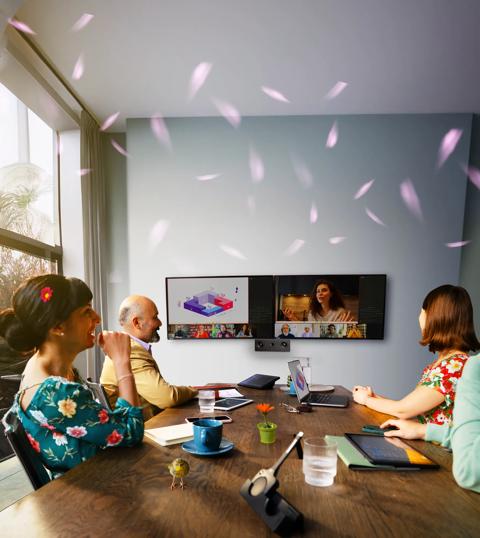
When it comes to hybrid meetings, the best technology is the kind that quietly helps people connect without stealing the show.
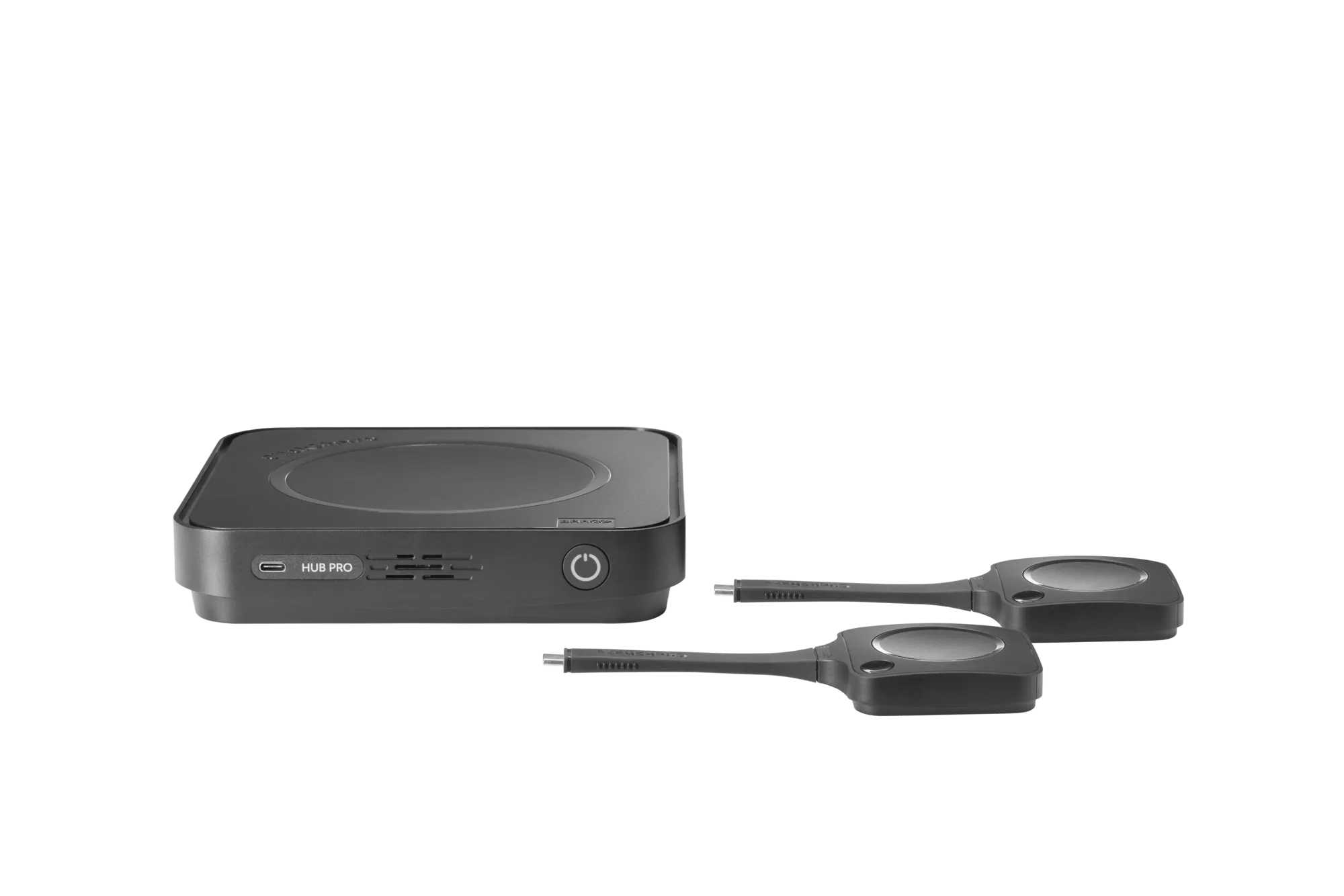
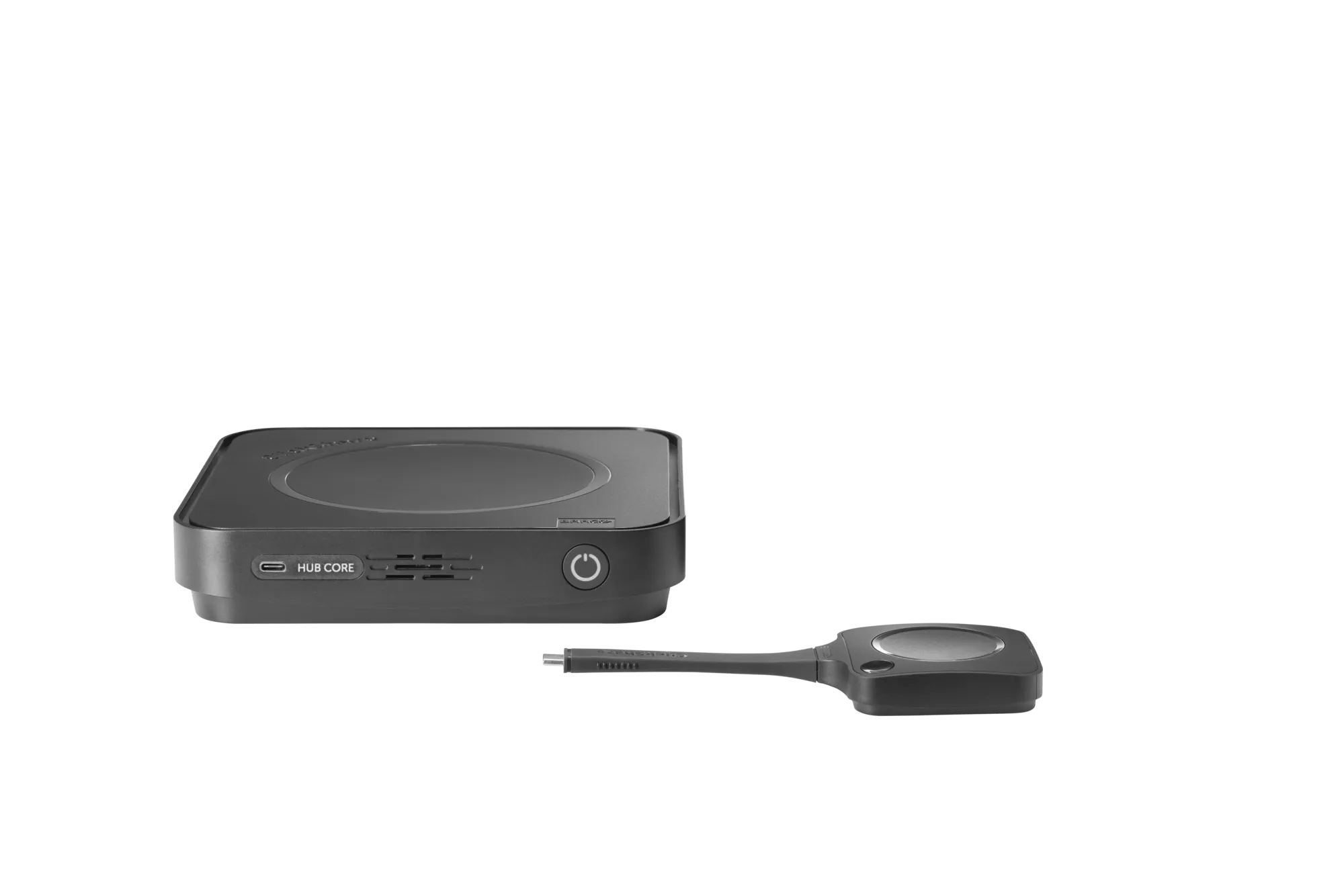
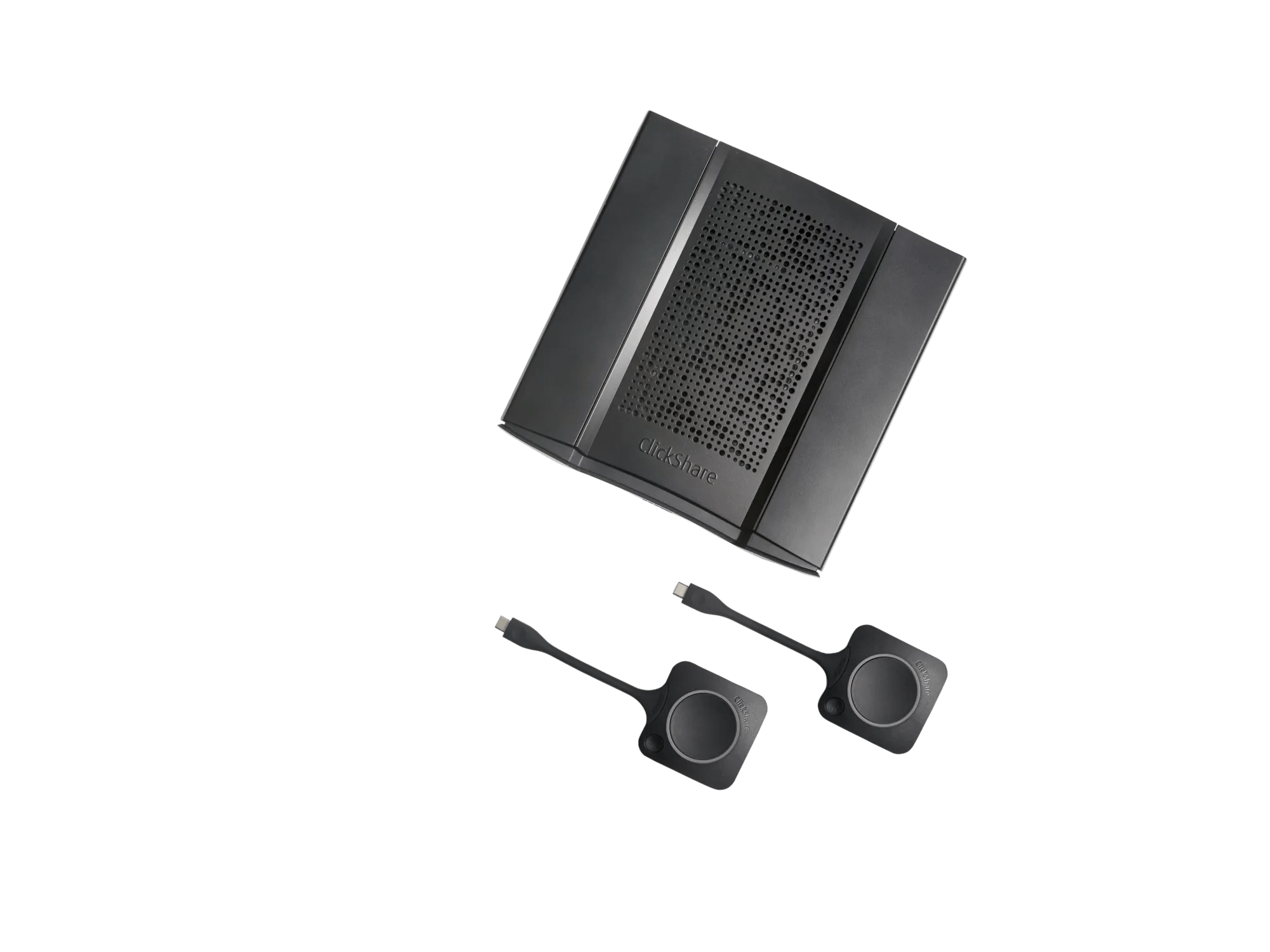
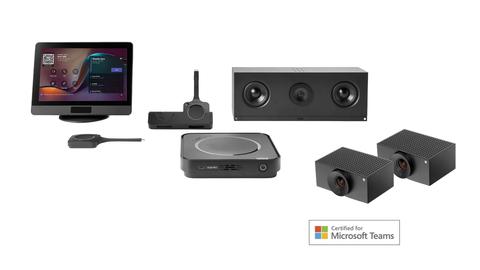
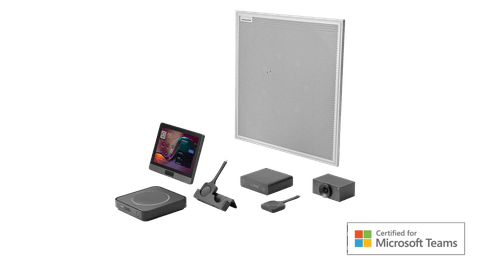
That's why we're expanding the ecosystem around ClickShare Hub with new bundles certified for Microsoft Teams, making it easier to find the right solution for every meeting room size.
for small-to-medium meeting rooms
for medium-sized meeting rooms
for large meeting rooms
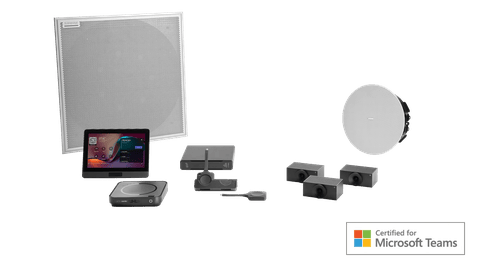
Together, these solutions combine modular wireless conferencing, AI-driven video, and high-quality audio to create meeting experiences that feel natural, whether participants are in the room or joining remotely.

Not every update comes with a new feature.
Two critical security vulnerabilities have been identified in PHP, affecting products worldwide, including the Web Configurator of certain ClickShare products (C, CX, Bar, CS(E), CSM and CSC series).
These vulnerabilities can allow an attacker to execute code on an affected device. To address this, we have released a corrective mandatory firmware update.
Like changing the batteries in a smoke detector, it's a task that's easy to postpone, but one that's worth taking care of sooner than later.
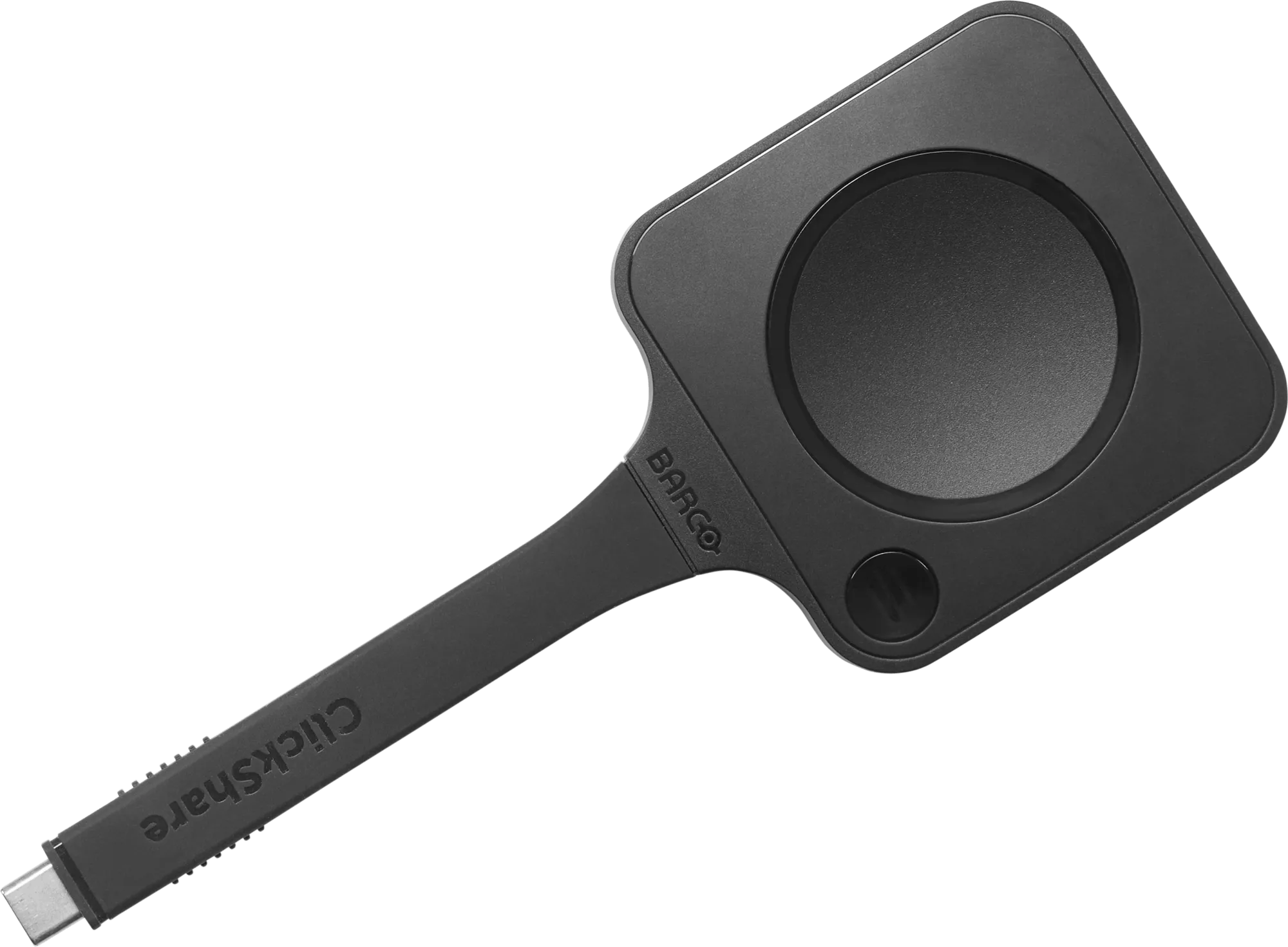
ClickShare consists of different components: Base Units, Buttons, Apps, and the XMS Cloud management platform. Make sure each component is updated to guarantee the best experience.