
From QAWeb Enterprise Agent:
- Open QAWeb Enterprise Agent GUI (Graphical User Interface) from the Windows Task Tray (Bottom right task bar)
- Click on logo as shown below to access the test pattern section of QAWeb Enterprise Agent
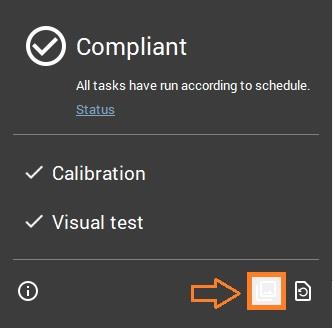
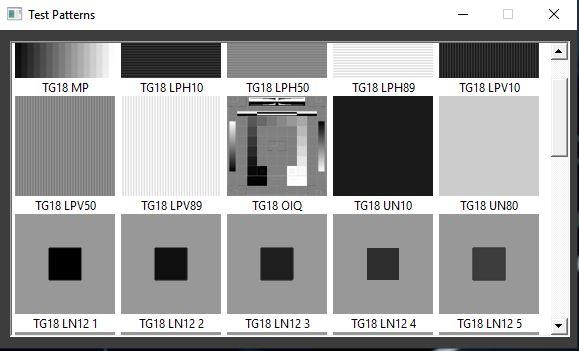
- Click on the test pattern to either perform a visual verification or to perform a measurement using an external sensor.
Info
- Some test patterns are just made for visual verifications (TG18-OIQ). Other test patterns are made for measurements using an external sensor (AAPM-TG18-UN80)
- QAWeb Test patterns are always pixel perfect (no scaling artifacts, full resolution, uncorrected raw files)
- QAWeb Agent draws the test pattern pixel by pixel to ensure that the pattern is always using the native resolution
- Using QAWeb test pattern is always the best option ! Test pattern from 3rd party programs (i.e: PACS) can apply an additional correction to the loaded test patterns -> Risk !