
Nio Color 8MP (MDNC‑8132) MKII
Diagnostic grade image quality, full docking & built-in collaboration - designed for radiology everywhere.
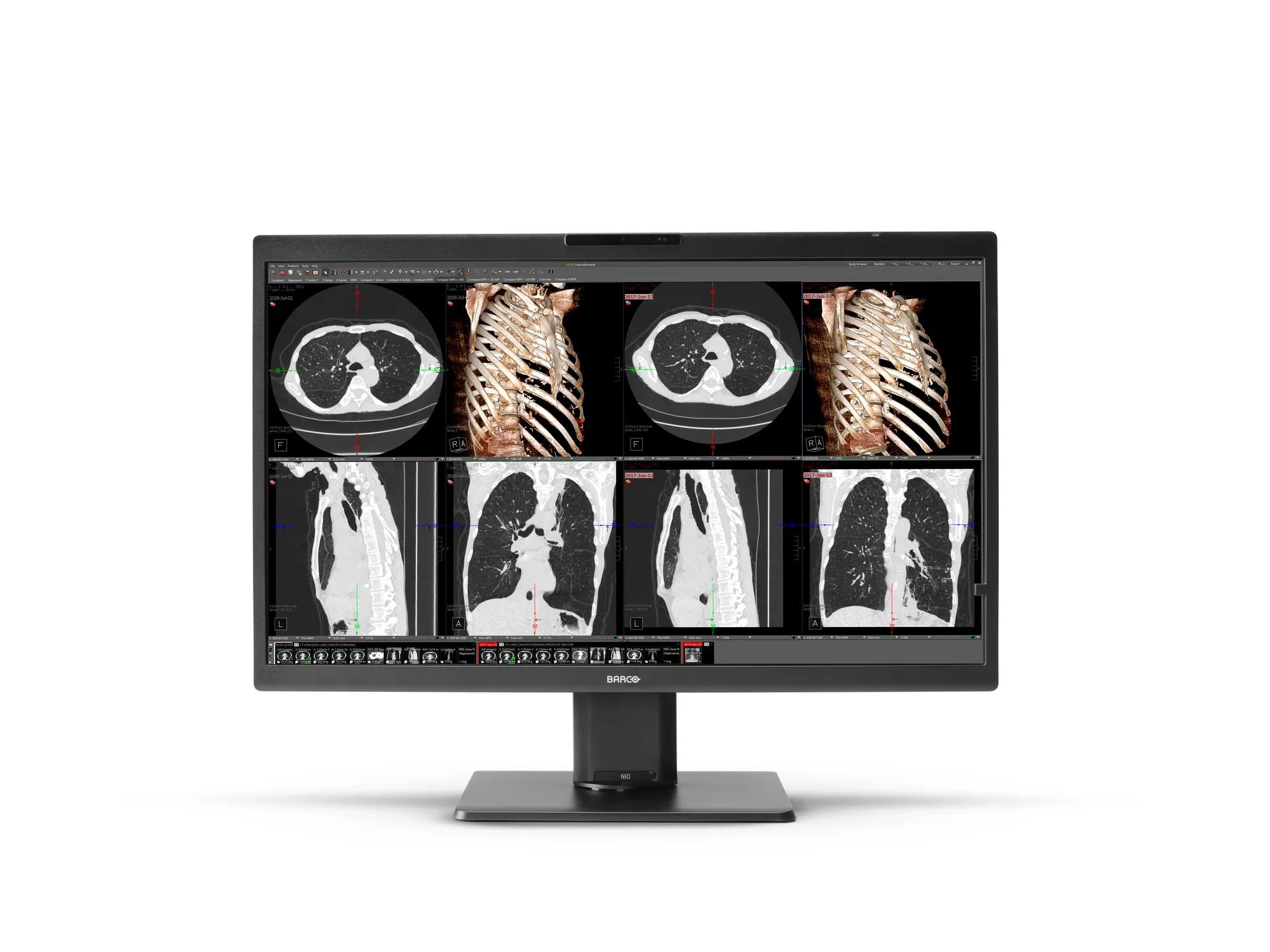
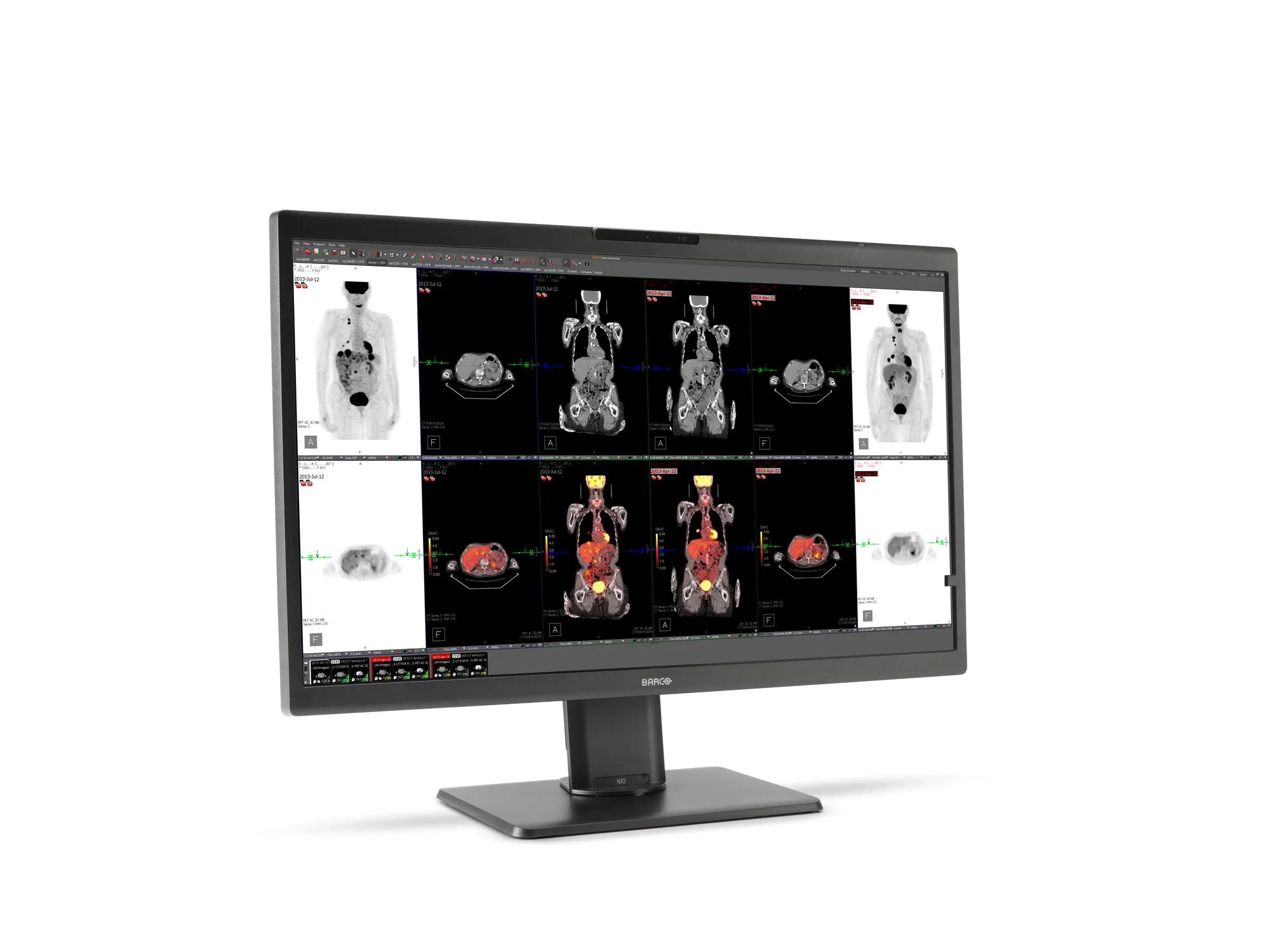
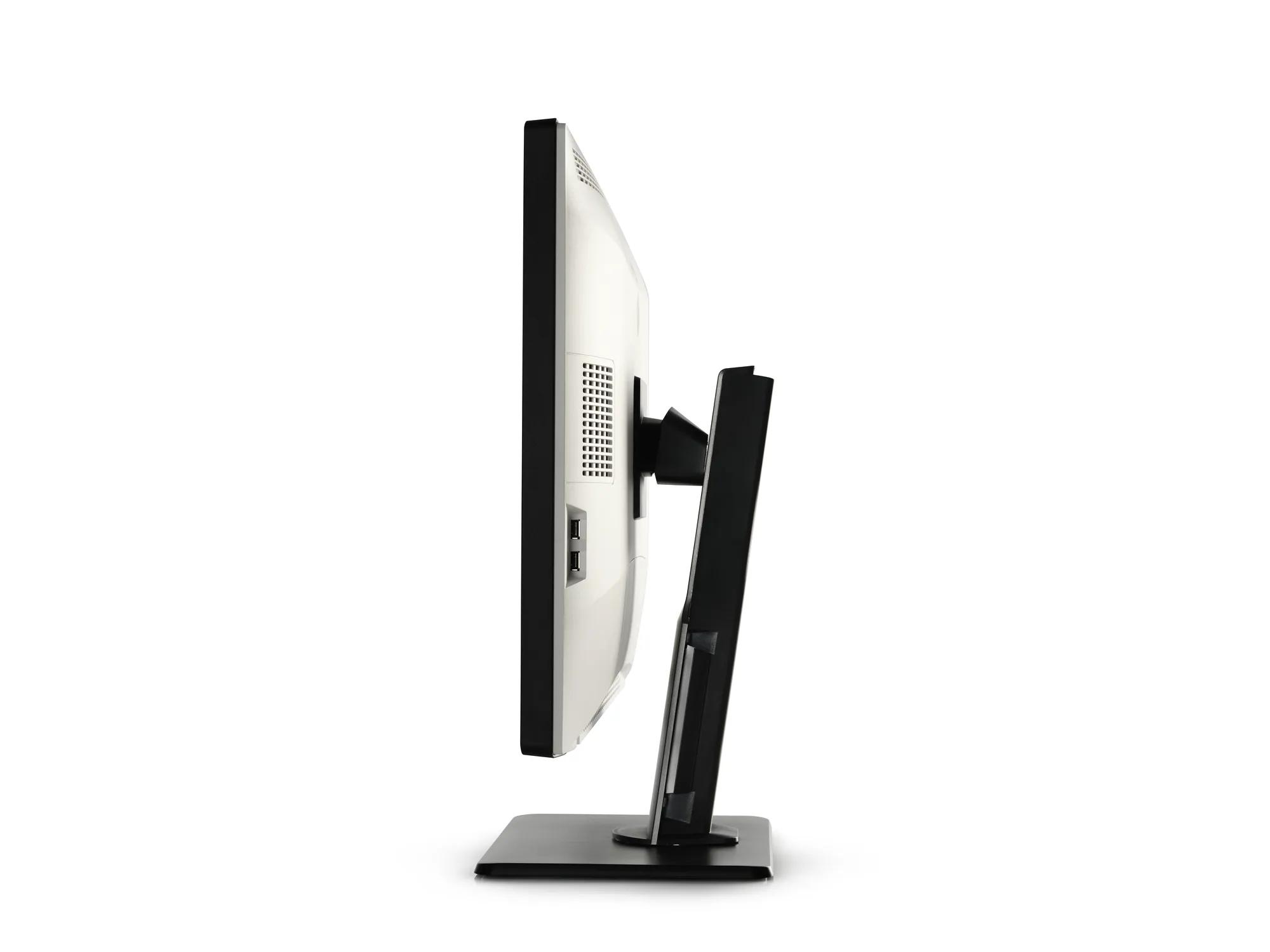
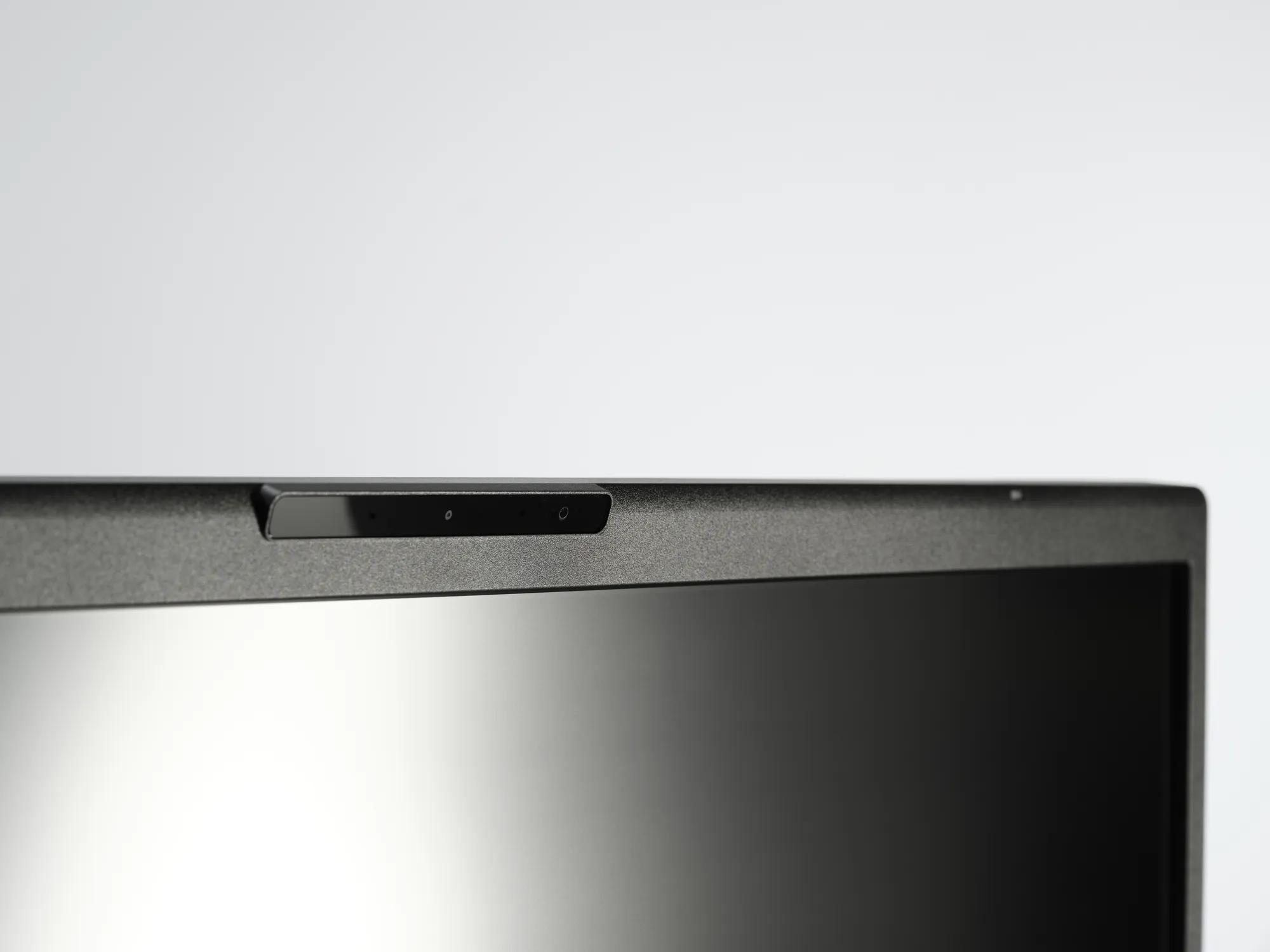
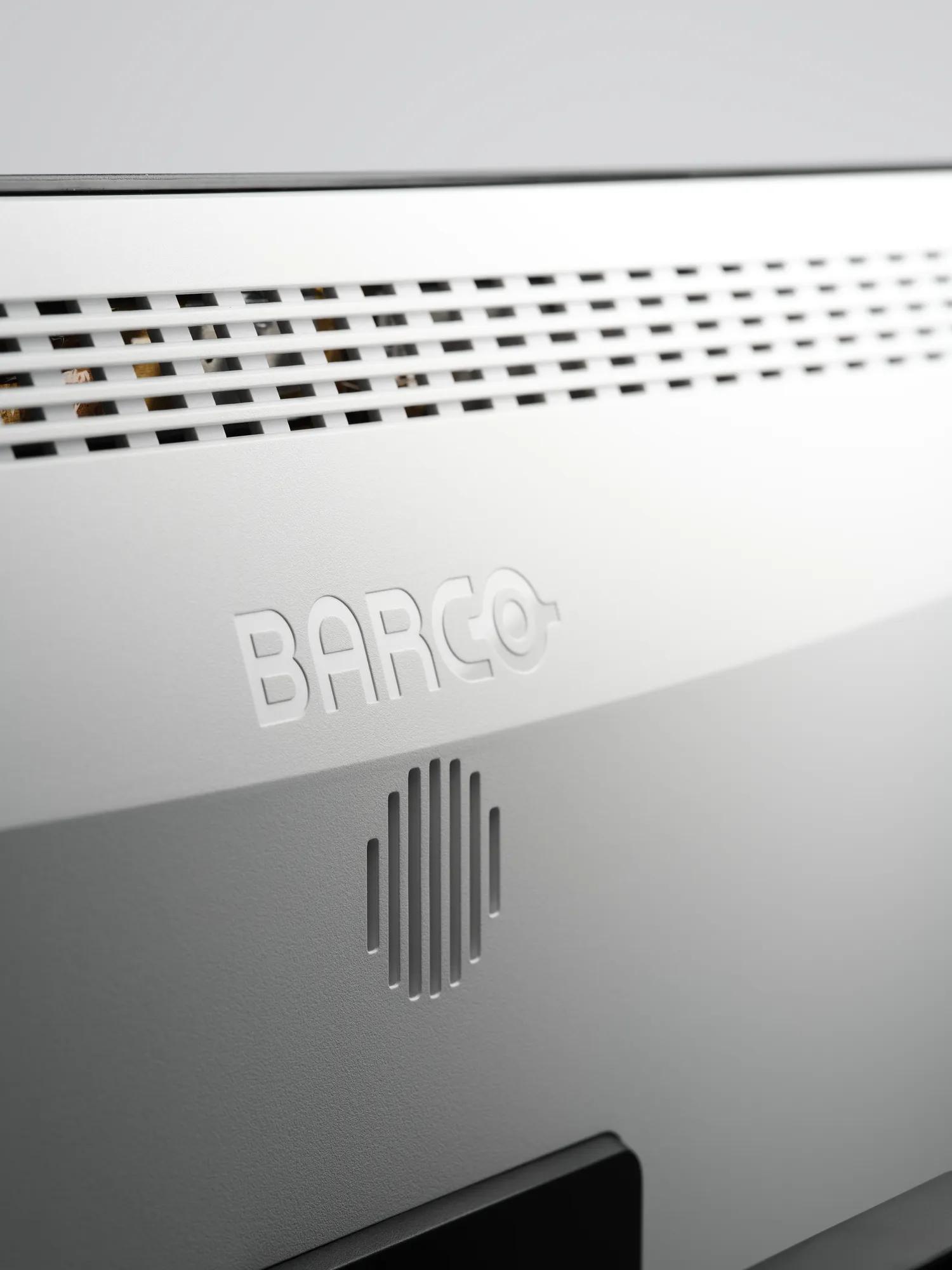
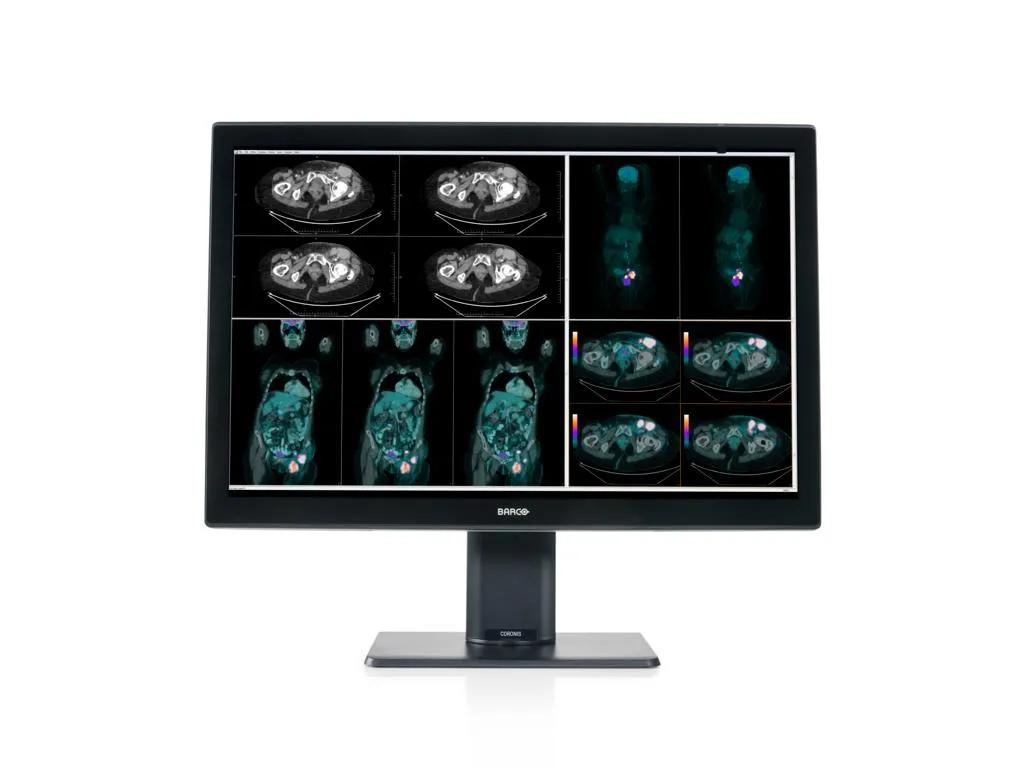
- Diagnostic 8MP image quality on large 32” screen
- Single-cable workstation connectivity with USB-C
- Built-in remote collaboration with camera & audio
- Remote compliance management through QAWeb Enterprise
- Sustainable long-term value with 5-year warranty
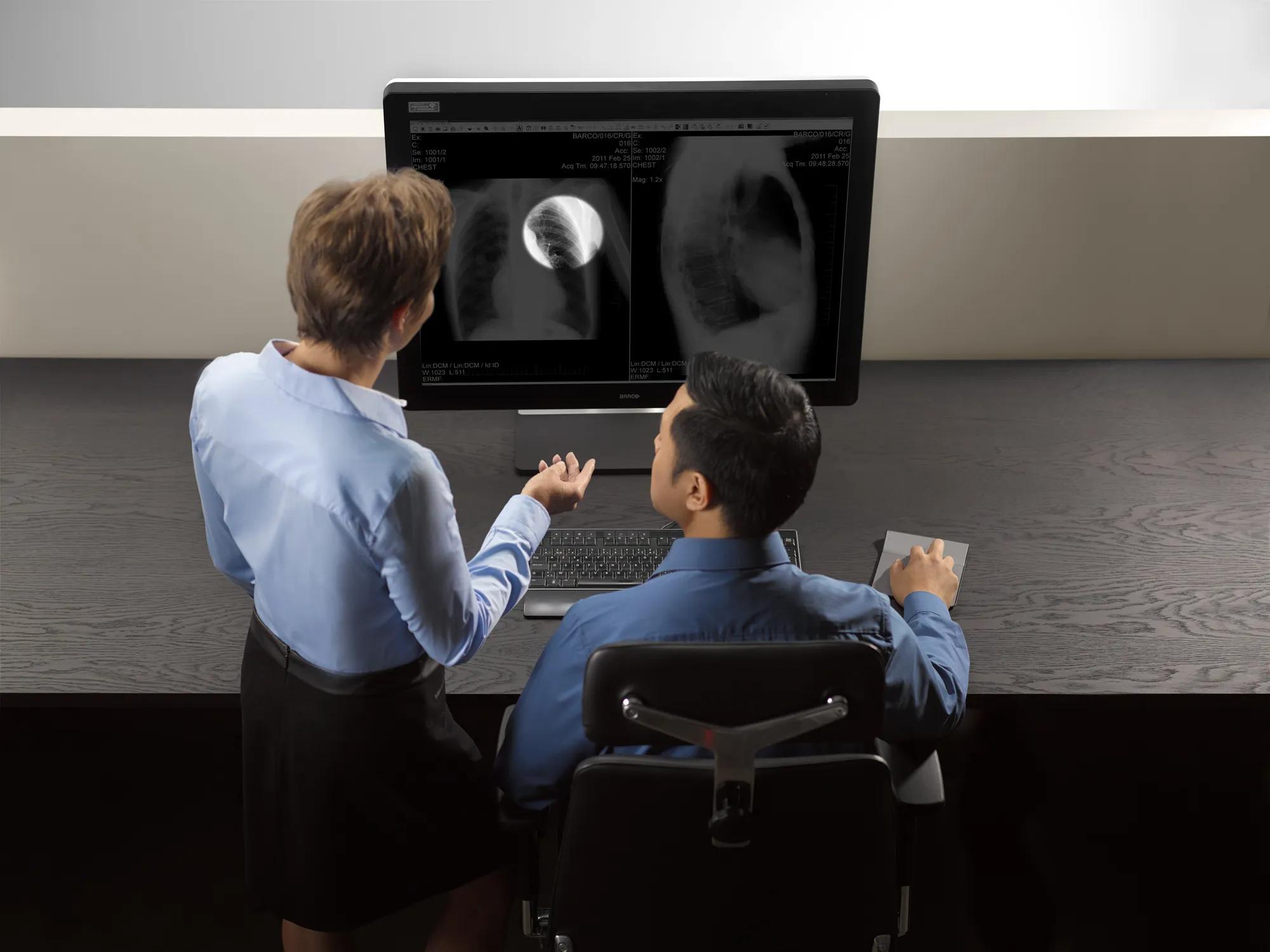
Remote and hybrid reading is no longer the exception — it is the new standard. Radiologists need the same diagnostic confidence at home or on the road as they have in the hospital reading room. The Nio Color 8MP is built for exactly this reality: a single 32" 8MP display that delivers Barco-grade diagnostic image quality, full USB-C docking, built-in camera and audio, and remotely managed compliance — wherever your team reads.
Superior image quality on a larger canvas
A generous 32" screen at 8MP resolution gives your radiologists the space to lay out images and reports on a single display — no toggling, no compromise on pixel density. Barco's proprietary image technologies ensure what your team sees is always accurate, stable, and consistent:
- SteadyGray: precise and consistent grayscale representation — critical for X-ray, CT, and MRI
- SteadyColor: accurate and consistent color rendering for endoscopy, ultrasound, and nuclear medicine
- I-Guard: stable calibration maintained automatically across the display's full working lifetime
- Uniform Luminance Technology: uniform brightness correction across the entire screen surface
- RapidFrame: sharp, artefact-free cine scrolling for high-frame-rate image series
- Ambient Light Compensation for optimal viewing in various lighting conditions
One cable. Every device. Total control.
USB-C Alt Mode turns the Nio Color 8MP into the central docking hub of your workstation — delivering video, data, power, and internet through a single cable. No adapter tray, no cable nest.
- KVM switching: Switch instantly between up to 3 input devices — either PACS workstations or laptop — all from a single selection on the display
- Picture-by-picture: Wither split your screen into 2 halves through a single USB-C cable or DP cable for Split-screen mode, or view the output of 2 workstations side by side with the dual workstation viewing option
- Built-in LAN port: Share a stable wired network over USB-C with the connected workstations or laptop
- Daisy chaining: Connect additional displays without adding cable clutter to the desk
Your full reading setup — at home, in the hospital, anywhere
Remote reading demands a setup that is quick to deploy and free of peripheral clutter. The Nio Color 8MP has the hardware your radiologists need built directly into the display — so the reading experience is identical whether they are at home, in a satellite clinic, or in the main reading room.
- Integrated camera: Always-ready video for remote case consultations and virtual MDT meetings, without a separate webcam
- Built-in speaker and microphone: Full audio capability built in — no speakerphone, no extra USB adapters cluttering a home desk
Compliance, managed remotely, for life
For a department head, QA compliance is non-negotiable — and manual calibration rounds consume time your team doesn't have. The Nio Color 8MP handles this automatically:
- QAWeb Enterprise: Automated quality assurance and compliance monitoring across all displays in your fleet, managed remotely — no on-site visits, no manual calibration rounds
- MDR Class IIa & FDA 510(k) cleared: Independently reviewed and audited annually — giving clinical teams and procurement full diagnostic confidence in every market
Built to last, built responsibly
We design the Nio Color 8MP for its full lifecycle — from first installation to end of life — with sustainability and long-term value built in. Our all-inclusive warranty covers performance over 5 to 7 years.
Furthermore, the Nio Color 8MP’s ecoscore reflects low energy consumption and responsible material choices:
- Automatic standby mode when device is not in use
- Use of plastics containing 35% post-consumer recycled content
- >50% halogen-free cables & >65% halogen-free PCBs
- >90% recyclable packaging













Specifications
Download spec sheetGeneral Specifications
- Screen technology
- IPS
- Active screen size (diagonal)
- 812.80 mm (32.0")
- Active screen size (H x V)
- 708.48 x 398.52 mm (27.9 x 15.7")
- Aspect ratio (H:V)
- 16:9
- Resolution
- Native 8MP (3840 x 2160 pixels @ 60 Hz)
Configurable to 2x 4MP+ (1920 x 2160 pixels @ 60 Hz)
- Pixel pitch
- 0.1845 mm
- Color imaging
- Yes
- Gray imaging
- Yes
- Bit depth
- 30 bit
- Viewing angle (H, V)
- 178°
- Uniformity correction
- ULT
- SteadyGray
- Yes
- SteadyColor
- Yes, (in MXRT Display Controller), when used as a system with MXRT Display Controller & QAWeb Enterprise )
- Pathology Setting
- Yes
- Color gamut NTSC
- NTSC: 94%
- Color gamut sRGB
- sRGB: 132%
- sRGB Delta E2000 (typical)
- Average : < 3
Max: < 5
- Ambient light presets
- Yes, reading room selection
- Ambient light sensor
- Yes
- Front sensor
- Yes, I-Guard
- Presence sensor
- Yes
- Maximum luminance (panel typical)
- 850 cd/m²
- DICOM calibrated luminance
- 500 cd/m²
- Contrast ratio (panel typical)
- 1350:1
- Response time ((Tr + Tf)/2) (typical)
- 12.7 ms
- Housing color
- Black (RAL 9004) / White (RAL 9003)
- Video input signals
- 2x DisplayPort 1.4
1x USB-C 3.2 DisplayPort Alt Mode
- Video output signals
- 1x DisplayPort 1.4 (MST)
- USB ports
- Upstream:
2x USB-B 2.0
1x USB-C 3.2 (DisplayPort Alt Mode, Power Delivery up to 75W)
Downstream:
2x USB-A 2.0
1x USB-A 2.0 (side of the display)
1x USB-C 2.0 (side of the display, Power Delivery up to 7.5W)
- LAN/RJ45 ports
- 1x 1GbE
- Power rating
- DC input: 24VDC 8.3A
USB-C output: 5VDC 3A, 9VDC 5A, 15VDC 5A, 20V 3.75A
USB-C output (side): 5VDC 1.5A
- Power requirements
- This device shall only be powered by the medical approved power supply of Adapter Tech., type ATM200T-P240:
Input: 100-240VAC, 50-60Hz, 2.5-0.9A
Output: 24VDC, 8.3A
- Power consumption
- 65 W (nominal)
< 0.35 W (hibernate)
< 0.30 W (switched off)
- Dimensions with stand (W x H x D)
- 743 x 518~618 x 238 mm
- Dimensions w/o stand (W x H x D)
- 743 x 459 x 63 mm
- Dimensions packaged (W x H x D)
- 898 x 752 x 358 mm
- Net weight with stand
- 13 kg
- Net weight w/o stand
- 8.4 kg
- Net weight packaged
- 21 kg (without optional accessories)
- Tilt
- -5° to +25°
- Swivel
- -30° to +30°
- Pivot
- N/A
- Height adjustment range
- 100 mm
- Mounting standard
- VESA (100 mm)
- Screen protection
- N/A
- Recommended modalities
- All digital images, except digital mammography.
- Certifications
- CE0123 (Medical Device)
FDA 510(k) K233693
CCC (China) (pending), KC (Korea) (pending), INMETRO (Brazil) (pending), BIS (India) (pending), EAC (Russia) (pending)
Safety specific:
IEC 62368-1:2018
EN IEC 62368-1:2020+A11:2020
IEC 60601-1:2005+A1:2012+A2:2020
EN 60601-1:2006+A1:2013+A2:2021
AAMI ES 60601-1:2005+A1:2012+A2:2021
CAN/CSA C22.2 No. 60601-1:2014 (Reaffirmed 2022)
EMI specific:
IEC 60601-1-2:2014+A1:2020 (Ed.4.1)
EN 60601-1-2:2015 + A1:2021 (Ed.4.1)
FCC part 15 Class B
ICES-001 Level B
VCCI (Japan) (pending)
Environmental:
EU RoHS, China RoHS, REACH, Canada Health, WEEE, Packaging Directive
- Supplied accessories
- User Guide
Quick Install Sheet
Documentation disc
System sheet
Video cables
Mains cables
USB cable
USB-C cable
External power supply
- Optional accessories
- Display controller
Touch pad
- QA software
- QAWeb Enterprise
- Warranty
- 5 years, including 20000 hours backlight warranty
- Operating temperature
- 0 °C to 35 °C (20 °C to 30 °C within specs)
- Storage temperature
- -20 °C to +60 °C
- Operating humidity
- 8 % to 70 % (non-condensing)
- Storage humidity
- 5 % to 70 % (non-condensing)
- Operating pressure
- 70 kPa
- Storage pressure
- 50 to 106 kPa
ConnectCare for Diagnostic imaging
Get the very best out of your investment
- Extend your diagnostic display fleet's lifetime and enjoy optimal performance
- Expert support in monitoring & optimizing your fleet
- Strategic insights to maximize your diagnostic display investment
EssentialCare for Diagnostic imaging
Protect your clinical efficiency
- Assure your display's quality and compliance
- Benefit from proactive, data driven support
- Avoid downtime with upfront replacements
You can now find all media, brochures, presentations, whitepapers & marketing downloads in our new & improved download center
Visit Media CenterSimilar products
View all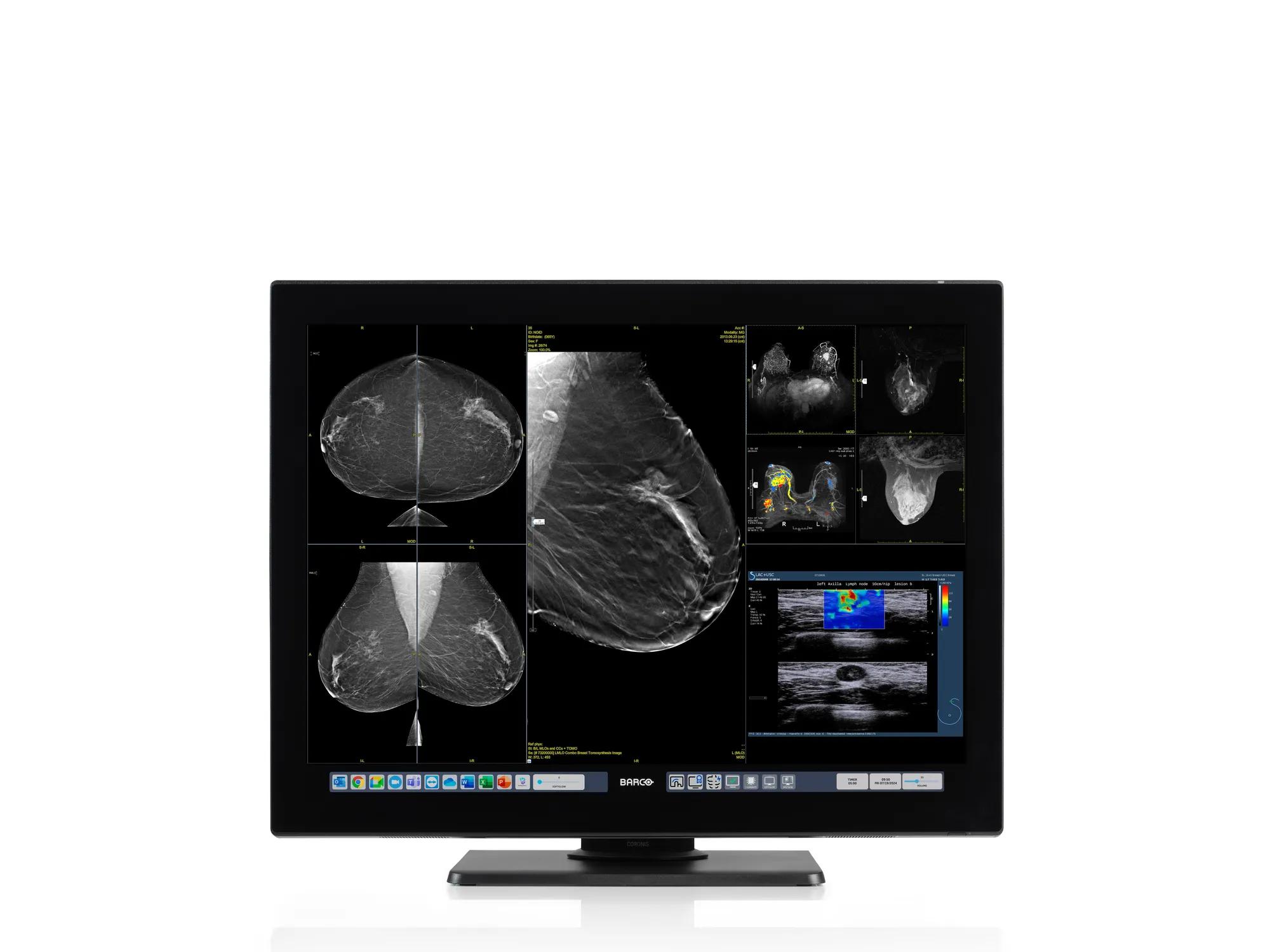
Coronis OneLook (MDMC-32133)
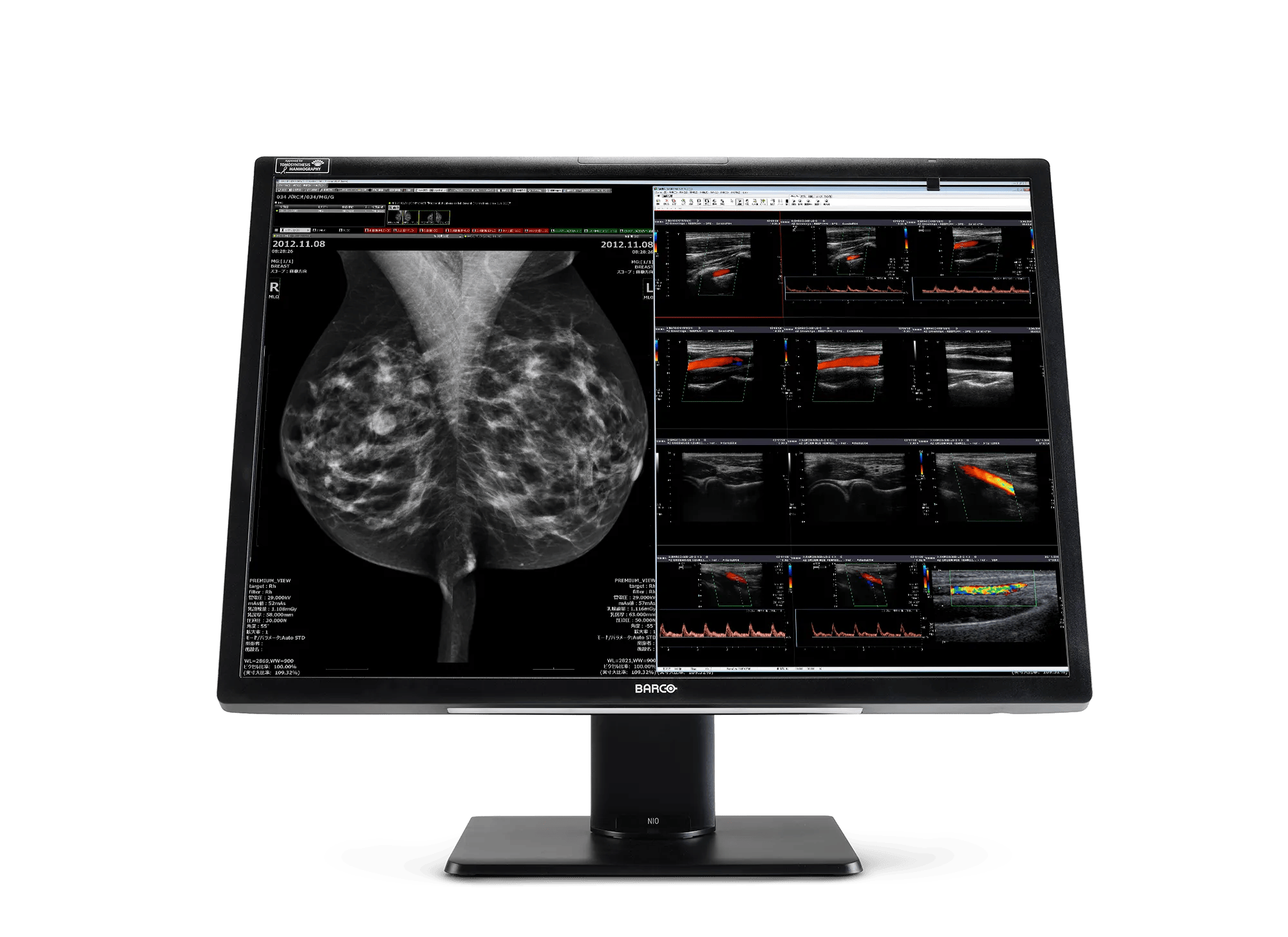
Nio Fusion 12MP (MDNC-12130)
Intuitive Workflow Tools
Coronis Fusion 4MP (MDCC-4430)
Looking for technical documents or product support?
For technical downloads such as drivers, firmware, manuals, drawings & documentation we would kindly like to direct you to our product support page.
Go to product support